


How to Add a Header in Your Emails

Mashkoor Alam
ByMashkoor Alam

Updated:

2 mins read

Updated:

2 mins read

Summarize with AI

Headers play a big role in the success of your emails. They’re the first thing your readers notice, helping you anchor the content, highlight key sections, and reinforce your brand identity.

In this article, we’ll show you exactly how to add and customize headers in Mailmodo, step by step, so you can design emails that look polished and drive results.
How to create a header for your email

  1. From the Mailmodo dashboard, go to Template → Create Template. You can either start from scratch or choose a prebuilt template to save time.

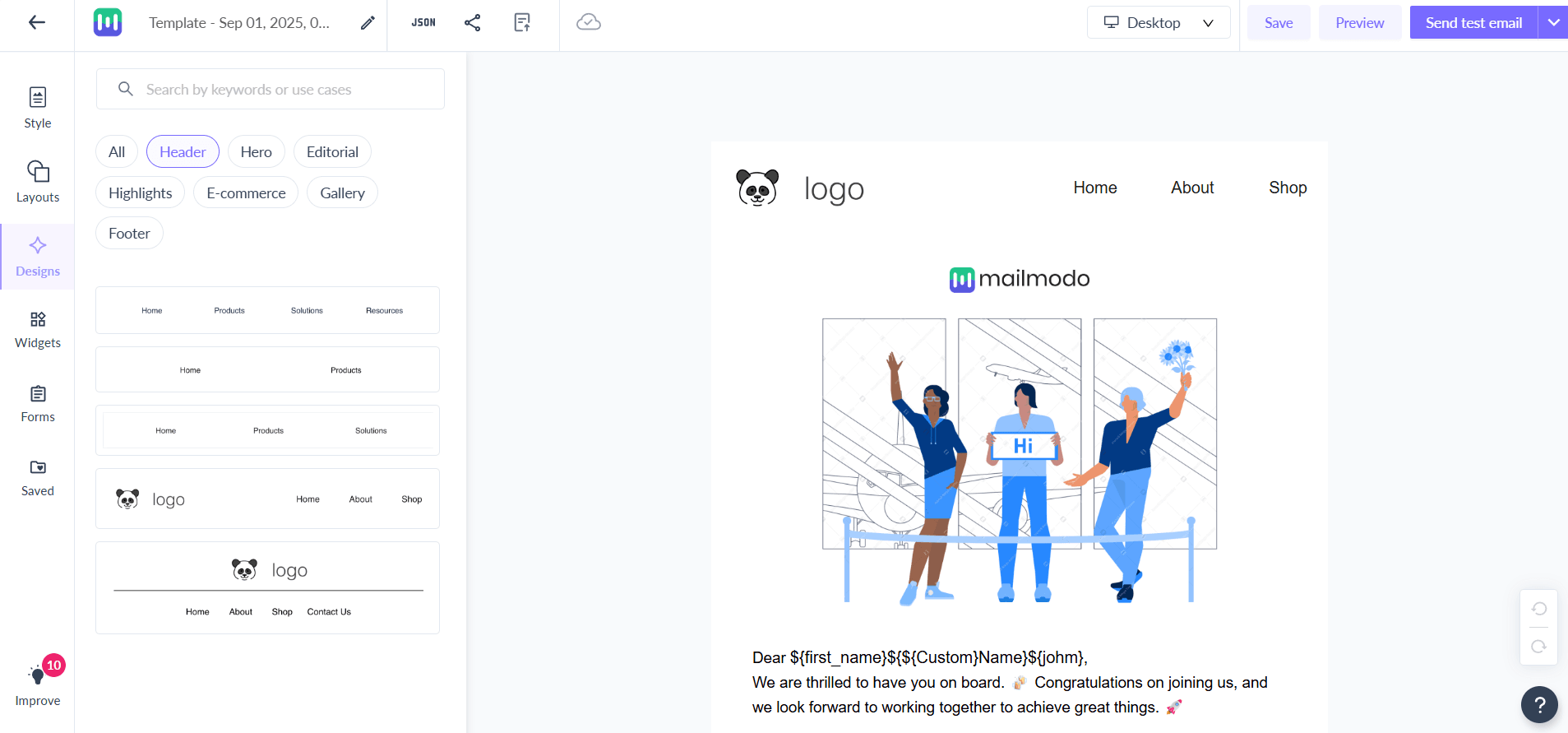
  2. Go to the Design Tab → Select the Header option. Mailmodo gives you five header styles to choose from. Most are text-based, but you can also add your brand logo for a professional look. header.png

  3. To add customized logo:

  • Upload your image file to use it as a logo.

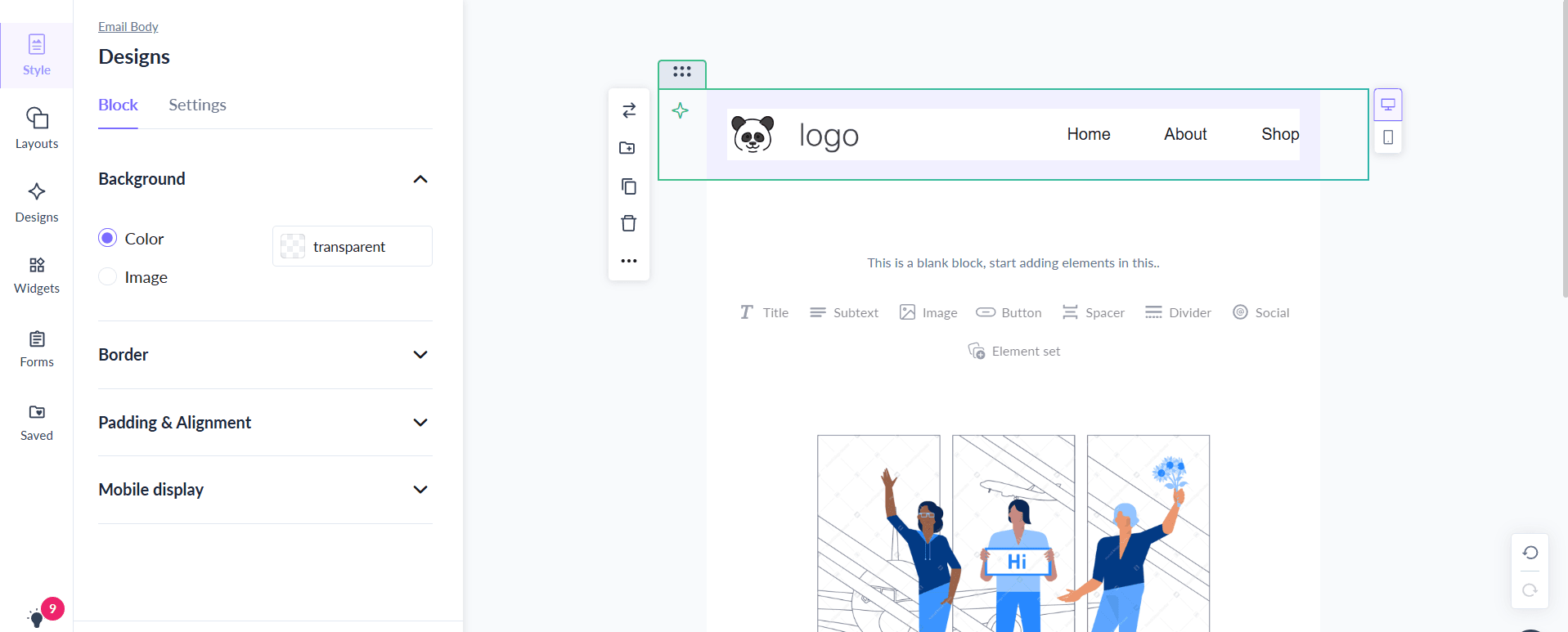
  • Customize it with alt text, links, size adjustments, borders, padding, and alignment.

header 2.png 4. To edit the text:

  • Adjust the font, size, and style (bold, italic, underline).

  • Add hyperlinks to different part of the page to make navigation easier for your readers.

  1. Mailmodo automatically saves your changes, so you don’t have to worry about losing progress.

Final thoughts

A strong header grabs attention right away and makes it easier for subscribers to engage with the rest of your message. If your emails are missing that clarity and structure, you’re leaving clicks and conversions on the table.

With Mailmodo’s editor, you can design headers that are simple, branded, and effective. Start experimenting with text headers, logo placements, or clickable sections to see what resonates best with your audience. Log in to Mailmodo today and build headers that don’t just look good but actually drive results.

What should you do next?

You made it till the end! Here's what you can do next to grow your business:

2_1_27027d2b7d
Get smarter with email resources

Free guides, ebooks, and other resources to master email marketing.

1_2_69505430ad
Do interactive email marketing with Mailmodo

Send forms, carts, calendars, games and more within your emails to boost ROI.

3_1_3e1f82b05a
Consult an email expert

30-min free email consultation with an expert to fix your email marketing.

Table of contents

chevron-down
How to create a header for your email
Final thoughts

Meet the only AI
email automation
platform

Mailmodo Logo


