What is double opt-in in email marketing?
Double opt-in is a two-step signup process that ensures only genuinely interested users are added to your email list.
First, a user submits your signup form.
Next, they receive a confirmation email and must click a link or button to confirm their subscription.
Only after this second step are they added to your active list.
How to set up double opt-in emails
Here’s how you can set up a double opt-in email in Mailmodo:
To create a form in Mailmodo:
- Go to Page & Forms → Pop-up forms → Create new form and select a pre-built one or start from scratch.

- Add required fields like email, name, etc.
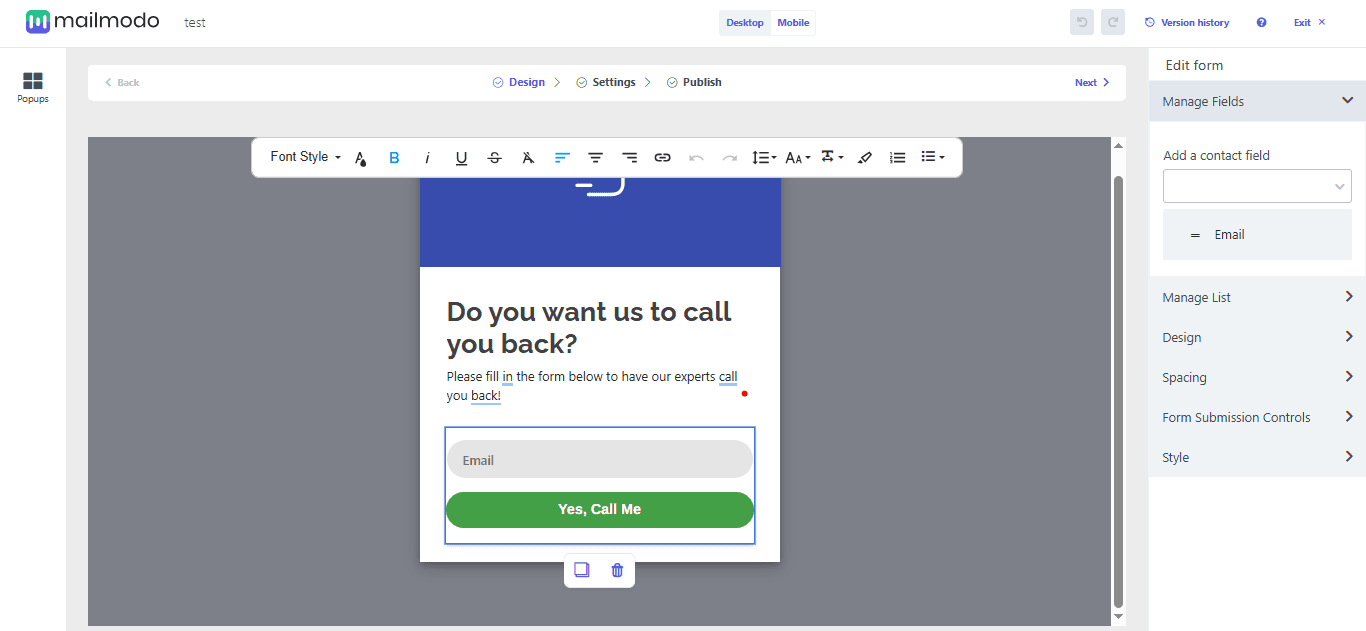
- Set up triggers to decide what action will make your form appear, such as page visit, scroll, exit intent, or mouse movement.
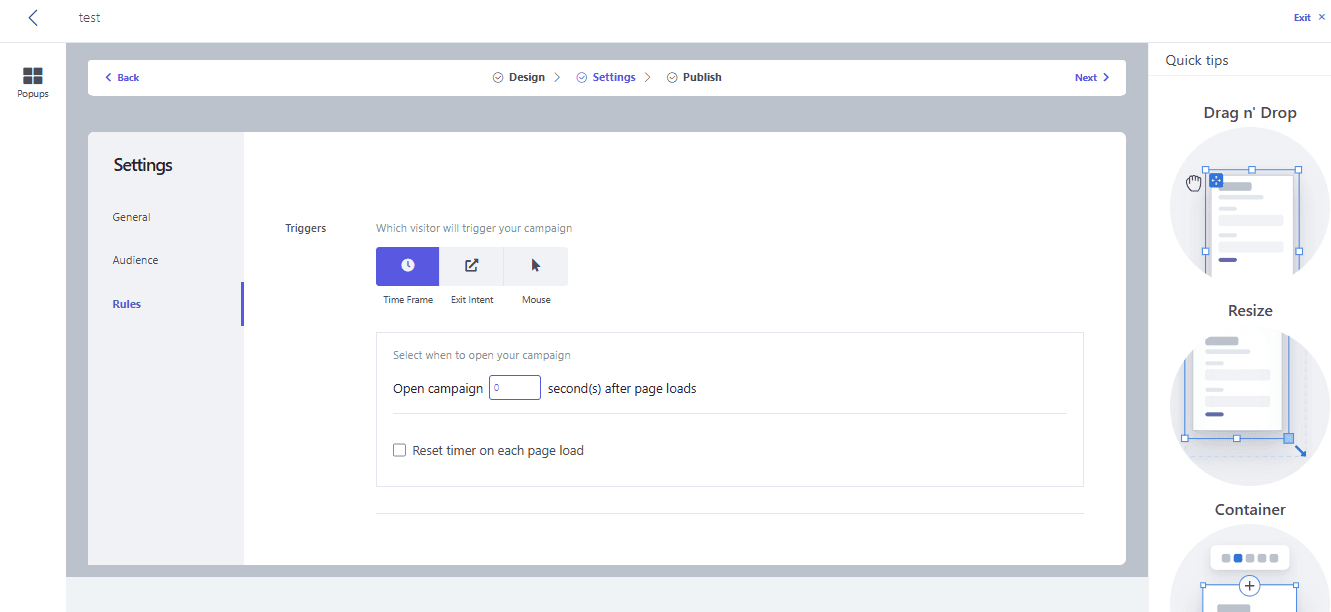
- Review everything and click Publish to make your form live.
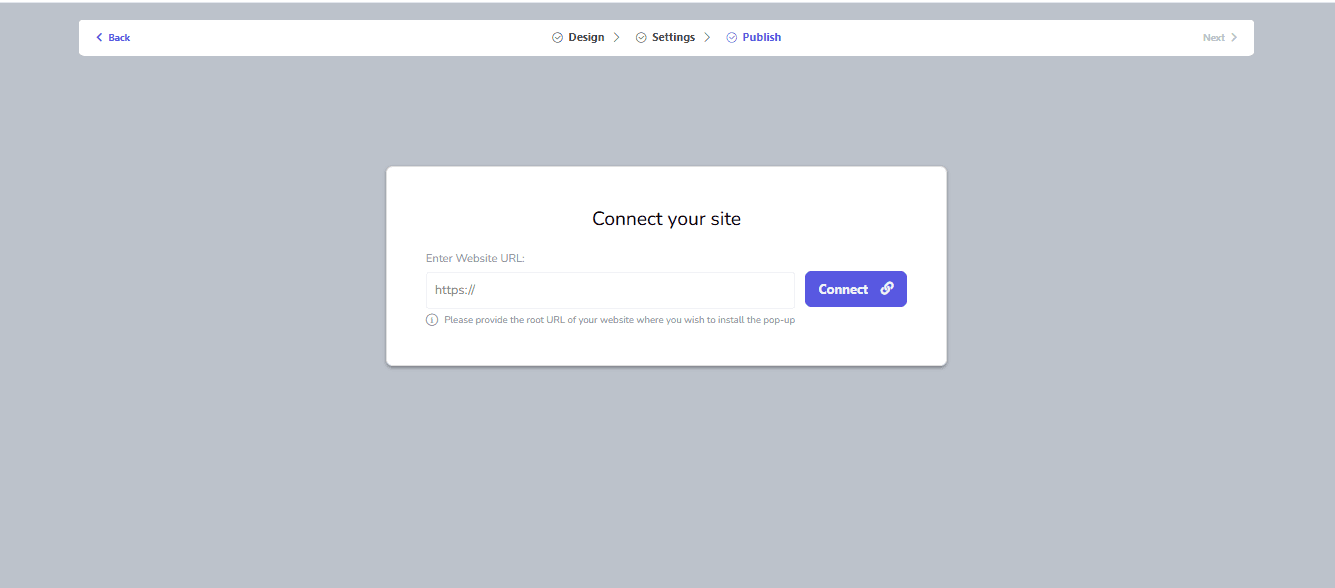
- Generate the embed code and add it to the code of your website.
If you already have a form live, you can still connect it to Mailmodo by going to Pages and forms → Pop-up forms → Connect form

Step 2: Set up a trigger email
Now, let’s set up a trigger campaign that gets triggered when the form is submitted. Make sure to create a double opt-in email that you want to send to your recipients. Ensure that it has a confirmation link that recipients can click on to confirm their subscription.
Now let’s move ahead:
From the Mailmodo dashboard, go to Journey → Create journey → Start from scratch
Under triggers, choose Web forms and then click on Configure trigger.

- Fill in the details of the form you want to connect.

- In the journey builder, add the send campaign block and connect it with the trigger block.

- Set up the send campaign block by selecting the template and filling in the rest of the details.

- Click on Next and Publish the journey once you’ve reviewed the details.

Your double opt-in email is set up and will be sent to everybody who submits the form that you’ve connected. If you have an AMP form in the double opt-in email, you’ll be able to see the responses of the recipients in campaign analytics.
Final thoughts
Without a clear process, even the most carefully planned campaigns can suffer from low engagement and a weakened sender reputation. Mailmodo’s workflow simplifies the entire double opt-in process, guiding you from form creation to confirmation tracking and list segmentation.
A thoughtfully designed double opt-in journey ensures every subscriber is verified, genuinely interested, and ready to engage with your emails, helping you build a high-quality list that delivers measurable results.
Sign up for Mailmodo today and start turning your subscribers into engaged, loyal readers.











