What is lead generation?
Let’s start with the basics. Lead generation is the process of attracting potential customers called “leads” and capturing their information, usually through a form, signup, or other interaction, so you can nurture them into paying customers.
Channels that generate leads consistently
Here are some of the best channels you can set up once and scale forever:
SEO blog content
Your blog posts can become long-term lead magnets. When optimized for search and paired with embedded CTAs or forms, each post becomes a silent salesperson that runs 24/7.
Landing pages with lead magnets
Create standalone pages offering something valuable like an ebook, checklist, or free tool in exchange for an email address. Promote them via ads, email, or organic traffic.
Referral programs
Your existing customers can be your most effective lead generators. By encouraging them to refer friends, colleagues, or peers, you tap into a network of warm prospects who are already more likely to trust your brand.
Partner traffic and mentions
Strategic mentions in newsletters, guest blogs, or co-marketing campaigns can generate passive leads when routed through strong landing pages.
Capture and activate leads using mailmodo
Once you’ve set up your traffic sources, the next step is converting visitors into leads and keeping them engaged. This is where Mailmodo comes in.
Mailmodo offers two powerful ways to capture leads and nurture them for conversions.
Mailmodo’s pop-up forms can be embedded directly into any webpage, including blog posts, homepage banners, or pricing pages. You can trigger them on scroll, time delay, or exit intent.
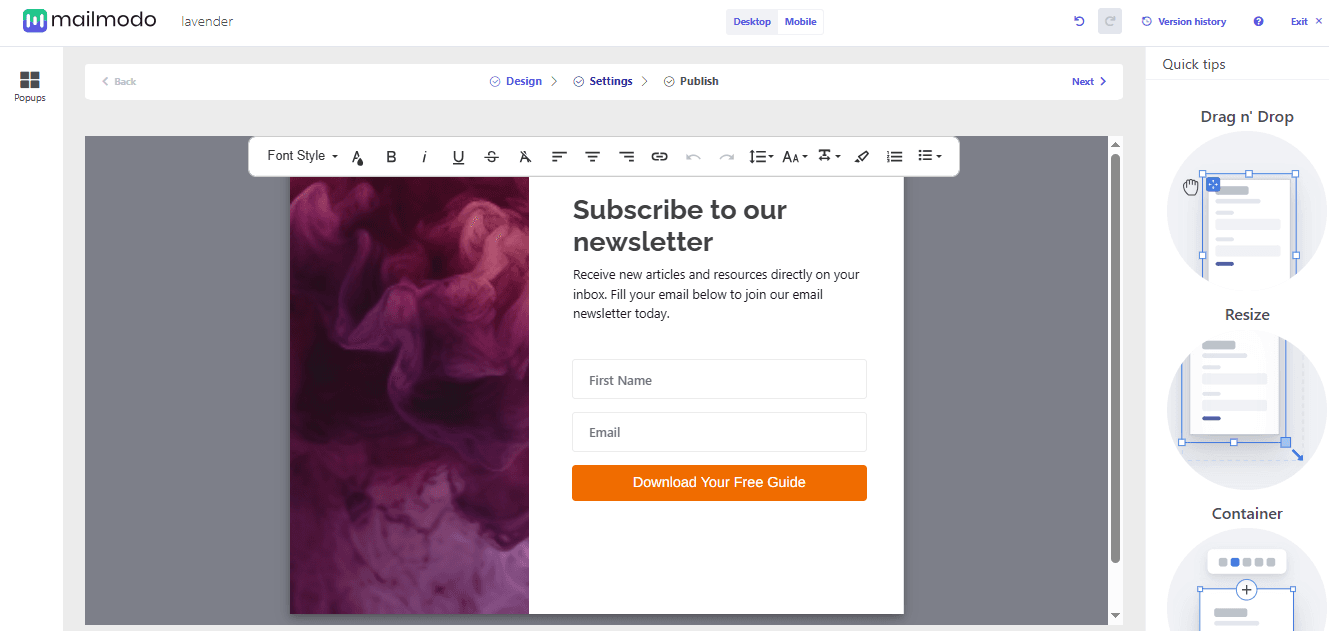
How to set it up:
From the Mailmodo dashboard, go to Pages and Forms and click Popup Forms in the main navigation.
Click the Create Form button.
In the form builder, design your form or select a prebuilt template.
If building from scratch, you can customize the form with various elements:
Images
Videos
Code snippet (to add custom CSS or JS)
Countdown timer (to create urgency and drive conversions)
Background color, shade, size, and other design options
Contact fields (like email) and the list where leads will be captured
Click Next to define your audience by visitor type (new or returning) and traffic source.
Set display rules, for example, showing the popup after 10% of the page is scrolled.
Connect your website to publish the form.
Once a visitor submits the form, leads are instantly added to your Mailmodo contact list and can be sent into automated flows or exported to your CRM.
2. Landing pages
Mailmodo’s landing page builder lets you create and publish dedicated lead capture pages quickly, with no additional developer help required.
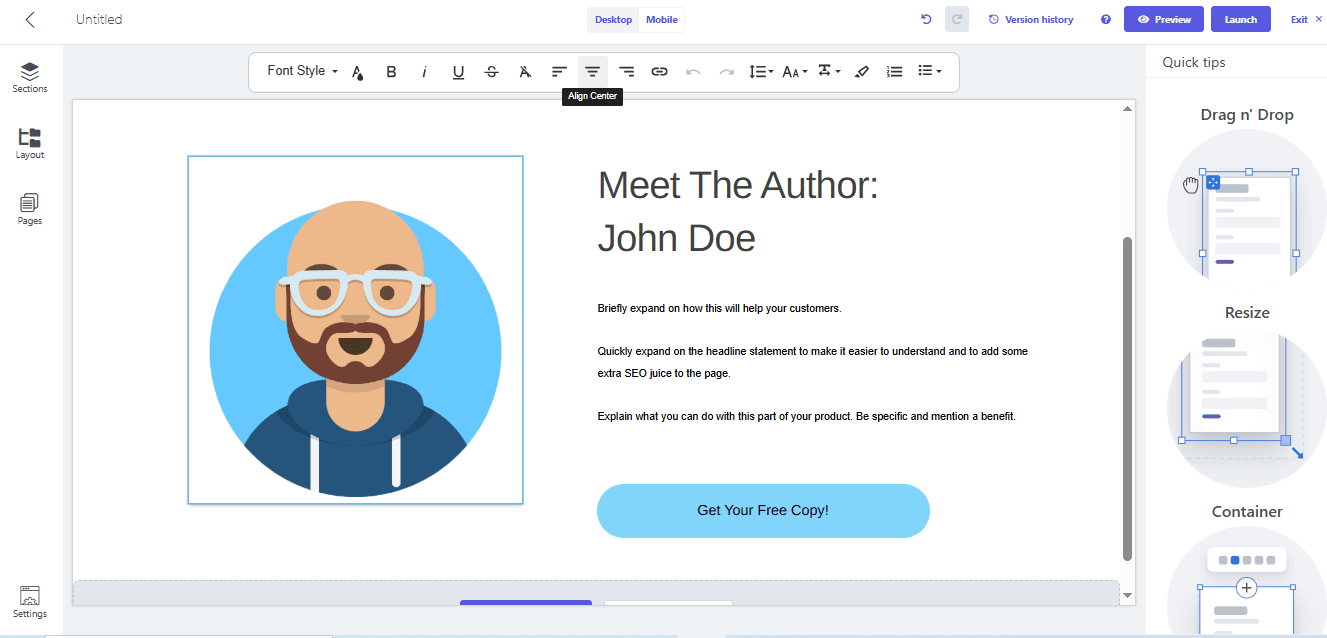
Here’s how to set it up:
From the Mailmodo dashboard, click Pages & Forms in the left menu.
Click Create Landing Pages.
Choose to either:
- In the pop-up menu, configure the functionality and design of your landing page:
Edit the landing page name
Add brand colors
Define the style of text (font, size, color)
Customize button style (font, size, color)
Set link colors
Add your brand logo
Configure tracking and social share settings
Next, define the sections of your landing page in the builder and add elements such as images, text, buttons, and more.
Click Launch to publish your landing page.
Wrap-up
Consistent lead generation doesn’t come from random acts of marketing. It comes from systems.
By combining always-on traffic sources (like SEO and referrals) with Mailmodo’s pop-up forms and landing pages, you can easily capture leads across every touchpoint. Sign up for Mailmodo today to generate leads on autopilot.











