How does Mailchimp customer segmentation work?
Mailchimp stores contacts inside an audience. Each contact can contain information such as their email address, name, signup details, interests, tags, purchase information, and campaign activity.
You can use this information to create conditions that determine which contacts belong to a segment. For example, you could create a segment for customers in a particular location, people with a specific tag, subscribers who interacted with an email, or customers who previously made a purchase.
A segment is therefore a filtered group of contacts that meet the conditions you've selected. Depending on the criteria used, the contacts within a segment may change as their information or activity changes
Main segmentation features
| Segmentation Category |
Information Mailchimp Can Use |
How Businesses Can Use It |
Example |
| Demographic and Contact Data |
First name, last name, company, country, city, birthday, job title, signup date, and custom profile fields |
Create personalized, localized, or industry-specific campaigns |
A company sends a city-specific promotion or addresses contacts by name |
| Signup Source |
Website forms, landing pages, e-commerce integrations, events, manual imports, and lead magnets, depending on how contacts were added |
Send different welcome messages based on how contacts joined the audience |
People who downloaded an e-book receive an educational welcome series, while customers acquired through a purchase receive product guidance |
| Email Engagement |
Opens, clicks, campaign receipt, recent activity, and periods of inactivity |
Create follow-ups, re-engagement campaigns, and targeted content |
Contacts who clicked a product link but did not purchase receive a reminder email |
| Purchase History |
Products purchased, product categories, total amount spent, purchase dates, and whether a contact has purchased |
Recommend related products, encourage repeat purchases, and reward valuable customers |
Customers who bought shoes receive an email promoting matching accessories |
| Tags and Custom Fields |
Tags such as "VIP customer" or "Webinar attendee," along with fields for customer type, industry, preferred product, subscription status, or account manager |
Organize contacts according to business-specific information |
A software company sends different content to agencies, freelancers, and enterprise customers |
| Location |
Country, city, region, or other available location data |
Send regional promotions, local event invitations, location-specific product information, and time-zone-sensitive messages |
A restaurant chain promotes a new menu only to contacts who live near participating locations |
| Predictive and Behavioral Data |
Shopping activity, website activity, custom events, engagement signals, and available predictive insights |
Identify likely purchasers, active contacts, potential customers, or people showing specific behaviors |
A store targets contacts predicted to have high customer value or customers who recently interacted with a product |
| Custom Events |
Events sent through supported integrations or Mailchimp's event features |
Build campaigns around actions that are not covered by standard email or purchase data |
Contacts who attended a webinar receive a follow-up message with related resources |
How to create a segment in Mailchimp
Mailchimp lets you create segments by filtering contacts based on the information stored in your audience. You can use a single condition for a broad segment or combine multiple conditions for more precise targeting.
1. Choose the relevant data
Start by deciding which customer information you want to use for the segment. This could include signup date, location, campaign activity, purchase history, tags, groups, or custom fields. The right data depends on the group of customers you want to reach.
For example, if you want to reach loyal customers, you might use purchase activity. If you want to re-engage subscribers, recent email activity would be more relevant.
2. Build your conditions
Next, create the rules that determine who should be included in the segment. Mailchimp allows you to combine conditions using AND or OR logic, depending on the segmentation options available on your plan.
For example:
Email engagement → Opened an email within the last 30 days
Purchase activity → Purchased at least once
Tag → Contains VIP customer
Combining these conditions lets you move from a broad audience to a more specific customer group. The number and complexity of conditions available can vary by Mailchimp plan.
Once you've added the conditions, review how many contacts match them. If the segment is unexpectedly large or small, check your conditions, tags, missing custom-field values, subscription status, and whether connected data is syncing correctly.
This helps make sure you're targeting the intended contacts before using the segment.
4. Save and use the segment
Once the segment looks correct, you can use it for a campaign or relevant automated workflow. Mailchimp segments can support use cases such as one-time campaigns, re-engagement sequences, recurring campaigns, customer journeys, and product or event promotions.
For example, a SaaS company could create a segment of trial users who haven't engaged recently and use it to send an onboarding reminder.
Pros and cons of using Mailchimp for segmentation
Mailchimp covers many common segmentation requirements, particularly for businesses already using the platform for email marketing. However, some limitations are worth considering:
| Pros |
Cons |
| Supports contact, engagement, purchase, and behavioral data |
Advanced capabilities can vary by plan |
| Tags, groups, and custom fields provide additional flexibility |
Segmentation depends heavily on the quality of your customer data |
| Segments can be used with campaigns and automated workflows |
Multiple audiences can lead to duplicate contacts and fragmented reporting |
| Suitable for common email marketing segmentation needs |
More complex data requirements may require a dedicated platform |
Best Mailchimp alternatives for segmentation
Mailchimp may work well for standard email segmentation, but other platforms may be better suited to particular use cases.
1. Mailmodo
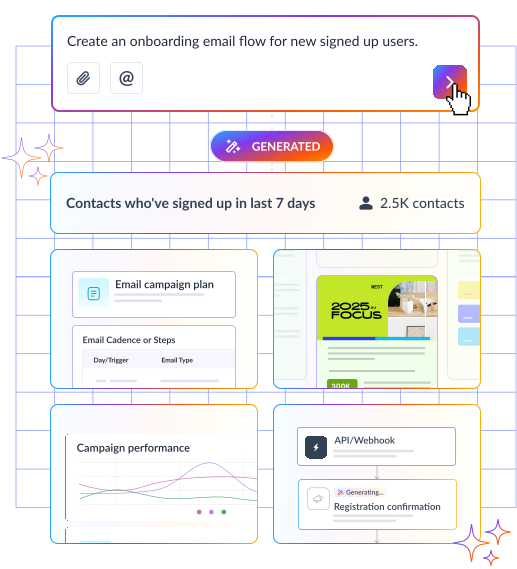
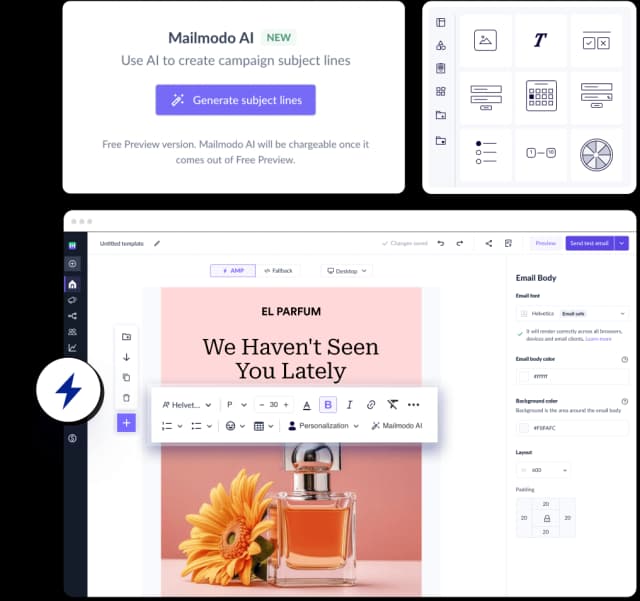
Mailmodo is an alternative for businesses looking for email marketing alongside AI audience segmentation. It supports segmentation using behavioral data and campaign engagement, making it particularly relevant to SaaS businesses and teams looking to create more targeted email campaigns.
Advanced capabilities and higher sending limits may require paid plans.
2. Klaviyo
Klaviyo is particularly suited to ecommerce and event-driven marketing. Its segmentation capabilities can use purchase and behavioral information, making it useful for businesses that want to create customer groups around shopping activity.
One consideration is pricing, which can increase as contact volume grows.
3. HubSpot
HubSpot can be a better fit when segmentation needs to connect closely with CRM, marketing, and sales data. Businesses can create audiences around customer lifecycle information, lead data, and other CRM properties.
Its broader feature set can also make the platform more complex and potentially more expensive than simpler email marketing tools.
4. ActiveCampaign
ActiveCampaign combines segmentation with detailed marketing automation and behavioral rules. It may be worth considering for businesses that want customer behavior to influence more complex automated campaigns.
The trade-off is that these workflows can require more setup and ongoing management. .
Is Mailchimp good for customer segmentation?
Mailchimp is a practical option for businesses that need straightforward segmentation within their email marketing workflow. Contacts can be grouped using profile information, tags, groups, engagement, purchase history, and supported integrations.
Its limitations become more noticeable when a business requires complex customer data models, advanced real-time behavioral analysis, or broader cross-channel personalization. In those situations, it may be worth comparing Mailchimp with platforms designed around more advanced segmentation or customer data requirements.