What Can You Automate in a Shopify Dropshipping Store?
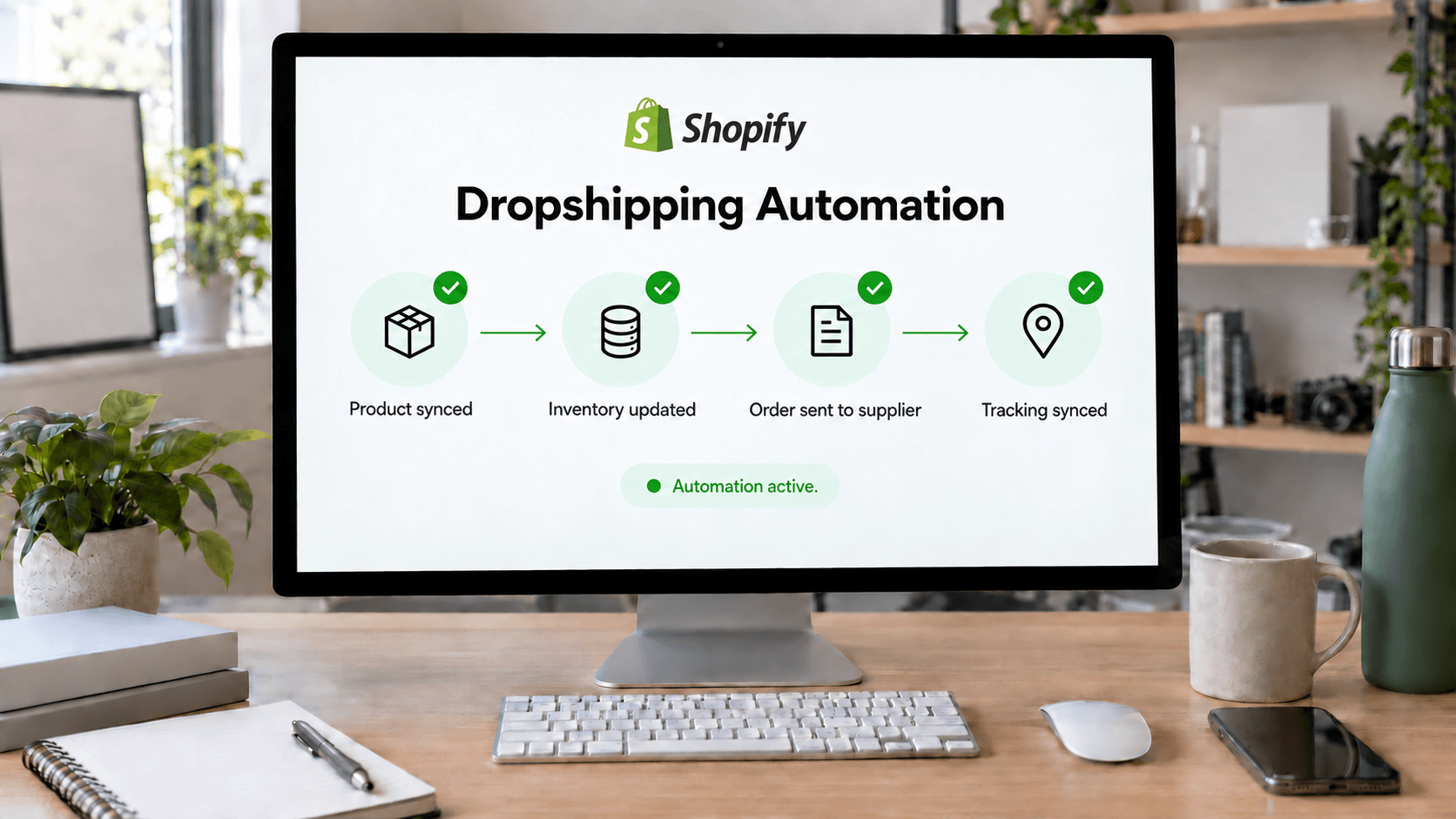
Most dropshipping automation falls into six areas:
| Workflow |
What automation can help with |
| Product research |
Organizing demand, competition, pricing, and trend signals |
| Product sourcing |
Finding products and narrowing supplier options |
| Listings |
Preparing product data, titles, descriptions, and pricing |
| Inventory |
Keeping stock, pricing, and product information current |
| Orders and fulfillment |
Syncing orders, tracking shipments, and surfacing exceptions |
| Customer communication |
Triggering transactional and post-purchase messages |
The highest-value automation usually happens when these stages connect.
Generating a product description automatically saves some time. Moving from product research to a sourceable product, then preparing it for Shopify without repeatedly copying data between systems, saves much more.
1. Use Automation to Narrow Product Research
Product research is a good place to use AI, but it is also easy to automate badly.
A prompt such as "give me 10 winning products" may produce ideas, but it does not tell you whether those products fit your market or operations. No research tool can guarantee that a product will sell.
A better workflow considers signals such as:
- Demand
- Competition
- Typical pricing
- Seasonality
- Target audience
- Product saturation
- Shipping requirements
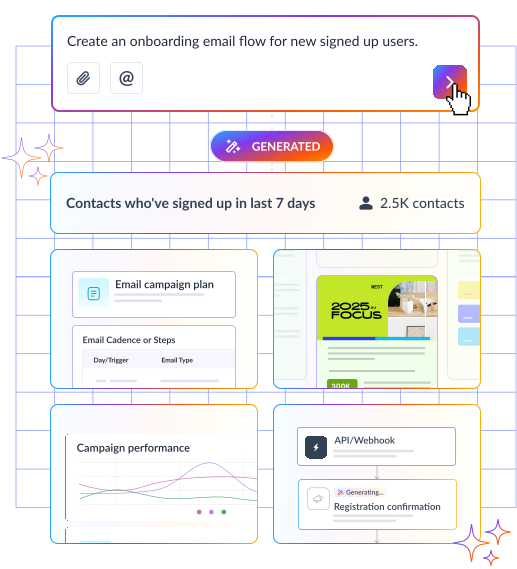
AI can help organize these signals and narrow a broad market into opportunities worth investigating.
For example, instead of manually browsing hundreds of products in the home and garden category, you might first identify subcategories showing interesting demand and competitive conditions. You can then spend your time evaluating a smaller set of realistic opportunities.
The point is not to let software choose your business for you.
It is to reduce the amount of information you need to review before making a decision.
2. Connect Product Research With Sourcing
Research becomes more useful when it leads directly to products you can actually source.
A category might look attractive based on search or marketplace demand but become less appealing once you consider inventory, supplier reliability, pricing, or shipping options.
A traditional sourcing workflow often looks like this:
- Identify a product opportunity.
- Search one or more supplier catalogs.
- Compare similar products.
- Check inventory.
- Review shipping options.
- Evaluate the supplier.
- Save the strongest candidates.
Automation can shorten that loop by turning your requirements into a more focused product search.
For example:
Find pet accessories suitable for U.S. customers, with sufficient inventory and appropriate shipping options.
A connected sourcing system can use those conditions to narrow the available catalog instead of requiring the retailer to start from scratch.
One example is Doba, an AI-powered dropshipping operations platform built for U.S.-focused online retailers. Its AI agent, Doba Pilot, connects market research with product sourcing, helping sellers move from an opportunity to sourceable products without restarting the process in another tool.
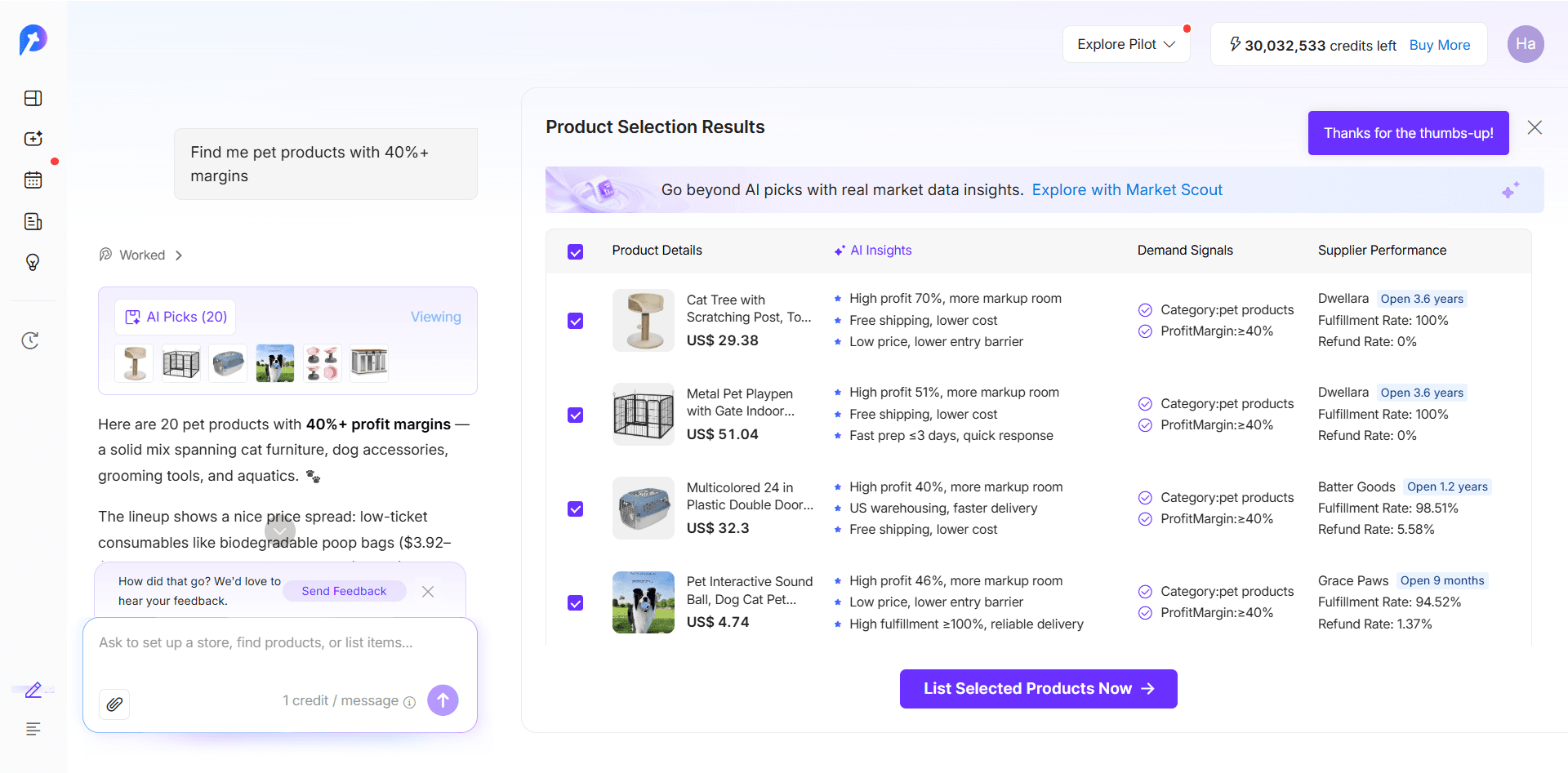
The useful idea here is not simply "use AI to find products."
It is to reduce the gap between identifying an opportunity and finding a product that can realistically support it.
3. Reduce Manual Work Between Sourcing, Listing, and Inventory
Once you choose a product, it still needs to become a usable Shopify listing.
That may involve:
- Titles and descriptions
- Product images
- Variants
- Pricing
- Product attributes
- Shipping information
- Tags and collections
AI can help prepare listing content, but the bigger operational advantage comes when listing automation is connected to actual product and supplier data.
A general-purpose AI tool may be able to rewrite a product description. It does not necessarily know which variants are available, whether inventory has changed, or what supplier data should be reflected in the listing.
Connected systems can carry that context into the next step.
Instead of moving product data manually between a supplier catalog, an AI writing tool, a spreadsheet, and Shopify, a connected workflow can use the selected product as the starting point for listing preparation.
The workflow becomes closer to:
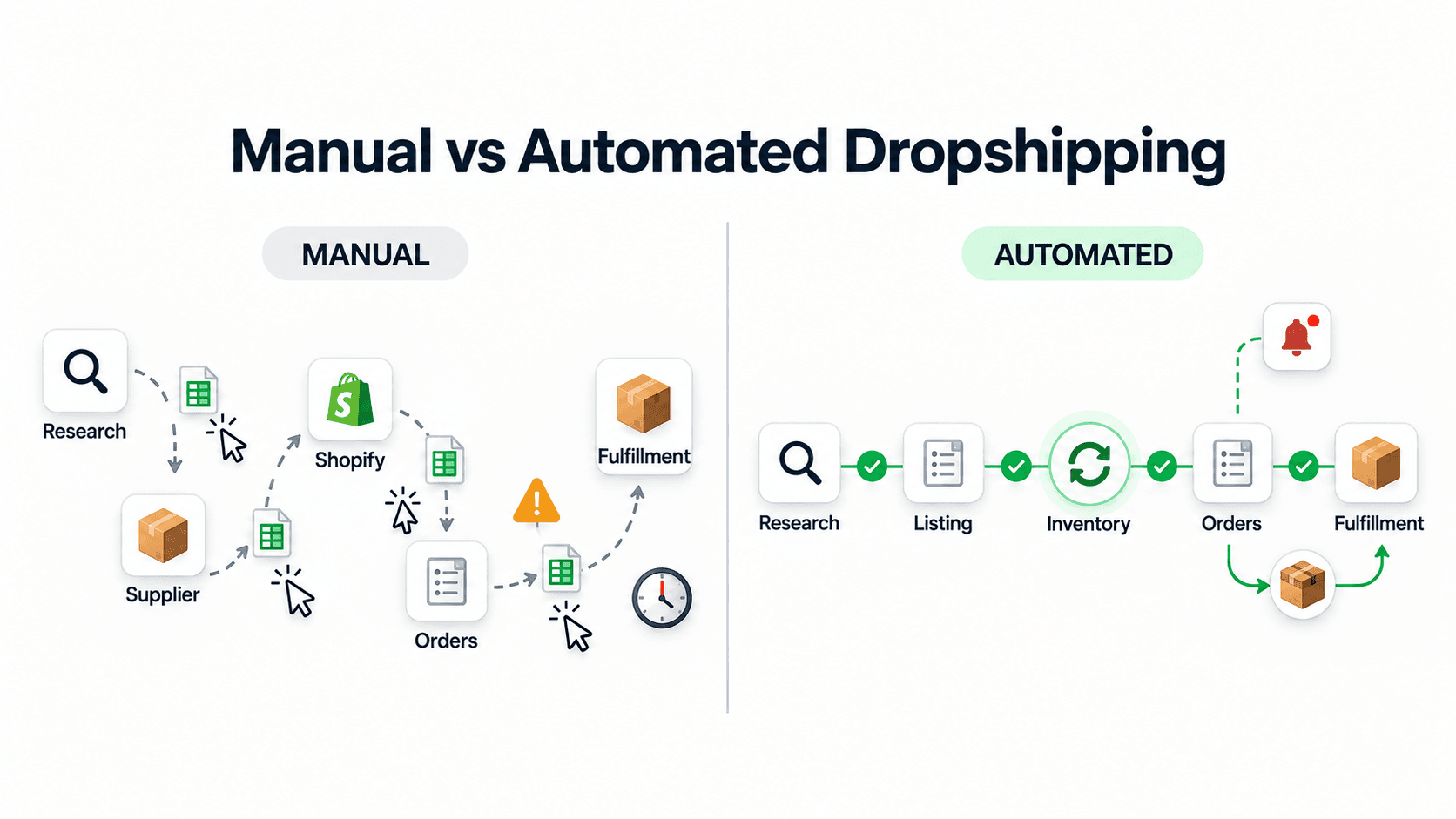
Find → select → prepare → review → publish
rather than:
Find → copy → rewrite → copy again → rebuild the listing → publish
Human review still matters, particularly for pricing, claims, product positioning, and brand voice.
Why Inventory Synchronization Matters
Inventory deserves similar attention.
In dropshipping, the retailer does not physically control supplier stock. If storefront inventory and supplier inventory fall out of sync, customers can place orders for products that are no longer available.
That can create:
- Canceled orders
- Refund requests
- Customer support tickets
- Unexpected substitutions
- Poor delivery experiences
The same problem can occur when supplier pricing or product information changes upstream.
For many stores, automating stock and product-data synchronization is therefore more valuable than automating another piece of marketing copy.
A useful rule is to prioritize automation wherever stale information can directly affect an order.
4. Automate Routine Order Work While Surfacing Exceptions
Orders are where automation starts to have a direct operational impact.
At low volume, manually checking orders may be manageable. At higher volume, sellers can spend significant time moving between Shopify, supplier systems, tracking pages, and customer messages.
Shopify's guidance on ecommerce automation highlights areas such as inventory management, order processing, shipping coordination, and fulfillment as common candidates for automation.
The routine path is relatively straightforward:
Order received → supplier processing → shipment → tracking → delivery
The more difficult part is everything that falls outside that path.
For example:
- A tracking number stops updating.
- A carrier misses a pickup scan.
- An order is canceled before the supplier ships.
- A customer requests a refund or return.
- A shipment needs follow-up.
This is where useful automation should shift from simply processing orders to identifying which orders need attention.
Doba Pilot offers a practical example. It can track order and shipping status to flag potential fulfillment issues. If an order is canceled in a connected store, Pilot can try to stop the related purchase order before it ships. Whether the interception succeeds depends on how far the order has progressed in the fulfillment process, so it is not guaranteed.
For supported refund and return cases, it can bring together relevant order context and guide the seller through the applicable workflow. The seller remains responsible for deciding what action to take; the system does not independently cancel, reroute, or refund an order.
That distinction matters.
A strong order automation system should reduce routine monitoring without making consequential decisions invisible.
Sometimes the most useful automation is not:
"The system handled 500 orders without me."
It is:
"The system showed me which five orders actually needed my attention."
5. Automate Post-Purchase Communication Separately
Operational automation does not end when a supplier ships the product.
Customers still expect communication around:
- Order confirmation
- Shipping updates
- Delivery
- Delays
- Reviews
- Reorders
- Related products
These workflows are better handled through customer communication and marketing automation.
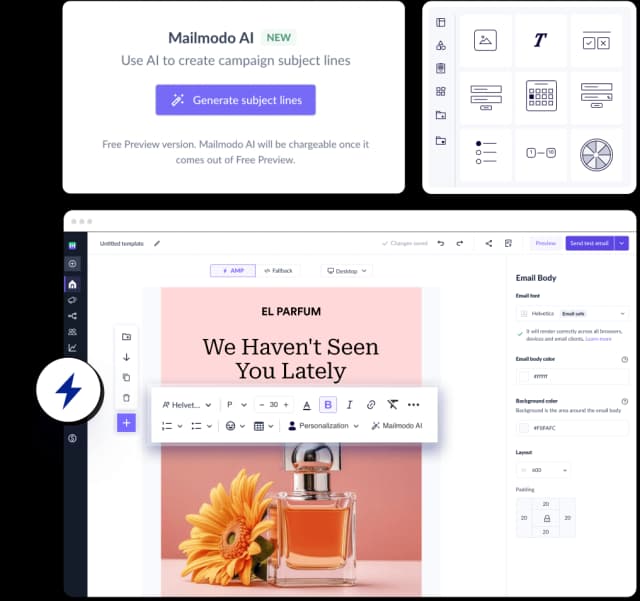
For example, Shopify order and customer activity can be used to trigger automated email journeys. Mailmodo supports Shopify events such as placed, canceled, and fulfilled orders as journey triggers, allowing messages to respond to what is actually happening in the store rather than relying only on fixed schedules.
A basic post-purchase flow might look like:
Order placed → confirmation → shipping communication → delivery follow-up → review or reorder message
This also illustrates why you do not necessarily need one application to automate every part of the business.
The supply-side workflow and the customer communication workflow solve different problems.
What matters is that each tool receives the data it needs at the right point in the process.
What Should You Automate First?
Trying to automate an entire Shopify store at once usually adds complexity.
Start by mapping what happens from the moment you consider a product to the moment the customer receives it:
Research → sourcing → listing → inventory → order → fulfillment → communication
Then look for three kinds of work.
Repetitive Tasks
These happen frequently and follow similar rules.
Examples include:
- Preparing listing drafts
- Updating inventory
- Syncing order data
- Retrieving tracking information
- Sending standard customer messages
They are usually the easiest automation candidates.
Data-Heavy Tasks
These require reviewing many inputs before making a decision.
Examples include:
- Product research
- Product comparison
- Supplier filtering
- Shipment monitoring
Automation can organize the information even when a human still makes the final decision.
Exception-Prone Workflows
Some of the most useful automation does not complete a task. It tells you when something has gone wrong.
Examples include:
- Inventory discrepancies
- Shipping delays
- Missing carrier scans
- Order cancellations
- Unusual fulfillment status
If software can reduce 500 routine checks to five exceptions that need attention, it has already created meaningful operational value.
What Should Stay Under Human Control?
Not every decision benefits from automation.
Human review is still important for areas such as:
- Selecting new suppliers
- Evaluating product quality
- Setting unusual pricing
- Handling high-value refunds
- Resolving customer disputes
- Reviewing compliance-sensitive listings
- Making major merchandising decisions
AI-generated content also needs review.
A tool may prepare a title or description quickly, but the retailer is still responsible for making sure claims are accurate, appropriate, and consistent with the store's brand.
The same principle applies to fulfillment automation. Automatically detecting a delayed shipment is low risk. Automatically deciding how to compensate a customer is a much more consequential action.
A useful rule is:
Automate predictable work. Surface unusual cases. Keep people responsible for consequential decisions.
This creates efficiency without turning the business into a black box.
How to Measure Whether Your Automation Is Working
Do not judge an automation stack by how many features it has.
Judge it by what changes in the operation.
Useful metrics include:
- Time from product selection to publication
- Manual steps required per order
- Stock-related cancellations
- Listing errors
- Time spent checking shipment status
- Fulfillment exceptions requiring follow-up
- Customer support volume
- Time spent moving between tools
These measures can also reveal when an automation is not helping.
Suppose you install an AI listing tool but still have to export product information, rewrite the output, copy it into a spreadsheet, and manually rebuild the listing in Shopify.
The tool has automated one task, but the workflow is still fragmented.
Or suppose an order automation system processes routine orders but requires you to check every shipment manually for delays. The transaction has been automated, but the operational monitoring has not.
In both cases, the better question is:
How many manual handoffs did this automation actually remove?
Sometimes simplifying the stack creates more value than adding another specialized app.
Build Around the Workflow, Not the Number of Apps
Shopify dropshipping automation in 2027 is increasingly about connecting operations rather than automating isolated tasks.
The practical workflow is straightforward:
Research what to sell → find a sourceable product → prepare the listing → keep product data current → process the order → identify fulfillment problems → communicate with the customer
Different tools may handle different stages, and that is not necessarily a problem.
The problem begins when every stage becomes an isolated system that requires another manual handoff.
That is why the strongest automation strategy is not simply to collect more apps. It is to identify where work is being repeated, where data stops flowing, and where operational problems are difficult to see.
You do not need to automate every step.
Start with repetitive work. Connect systems that rely on the same information. Make exceptions visible. Keep human oversight around decisions that affect customers, suppliers, margins, and your brand.
Feature count is a weak signal here. What actually matters is simpler: how many handoffs disappear, and whether the decisions that count are still visible when they come up.
None of this is about stepping back from the business. It just means less of your time goes to routine work, and more of it goes to the decisions only you can make.