header-logo
Try Mailmodomailmodo-hamburger
  • Platformchevron-down
    AI Email Template Generator

    AI Email Template Generator

    AI Email Automation Builder

    AI Email Automation Builder

    AI Segment Generator

    AI Segment Generator

    AI Campaign Analyzer

    AI Campaign Analyzer

    Interactive AMP Emails

    Interactive AMP Emails

    Managed Deliverability

    Managed Deliverability

    Email API Services

    Email API Services

    See All Features ->

    Use CasesHover Icon Arrow

    Get ideas to drive high engagement in your next campaign

    Case StudyHover Icon Arrow

    Discover how brands like you are growing with email marketing

    IntegrationsHover Icon Arrow

    Connect Mailmodo with all your favourite platforms and tools

    Integrations

    See 40+ Integrations ->

    Book a Demo

    Explore how Mailmodo can help grow your business

    Book a Demo->
  • Resourceschevron-down

    Learn Marketing

    Guides

    Guides

    Email Templates

    Email Templates

    Email Flows

    Email Flows

    Ebooks & Reports

    Ebooks & Reports

    Marketing Videos

    Marketing Videos

    Newsletter

    Newsletter

    Free Tools

    Free Tools

    See More Resources ->

    Help

    Help Docs

    Help Docs

    API Docs

    API Docs

    Email Us

    Email Us

    Email Masterclass FREE

    Email MasterclassEnrol Now ->

    Email Marketing 101 FREE

    Read Now ->
  • Pricing
MailModo Logo
Pricing
AI Email Template Generator

AI Email Template Generator

AI Email Automation Builder

AI Email Automation Builder

AI Segment Generator

AI Segment Generator

AI Campaign Analyzer

AI Campaign Analyzer

Interactive AMP Emails

Interactive AMP Emails

Managed Deliverability

Managed Deliverability

Email API Services

Email API Services

See All Features ->

Guides

Guides

Email Templates

Email Templates

Email Flows

Email Flows

Ebooks & Reports

Ebooks & Reports

Marketing Videos

Marketing Videos

Newsletter

Newsletter

Free Tools

Free Tools

See More Resources ->

Try Mailmodo for free

15 Free Gmail Email Templates

Explore Gmail email templates and choose the one that best aligns with your unique needs. Easily send emails directly from Mailmodo for a seamless experience. Alternatively, you can also opt to create your own email design from scratch which requires significant time and effort.

All
Welcome
Engagement
Onboarding
Feedback
Abandoned cart
Promotional
Lead nurture
Survey
Holiday
Ecommerce
SaaS
More categoriesarrow
loupe.svg
Templates
filters
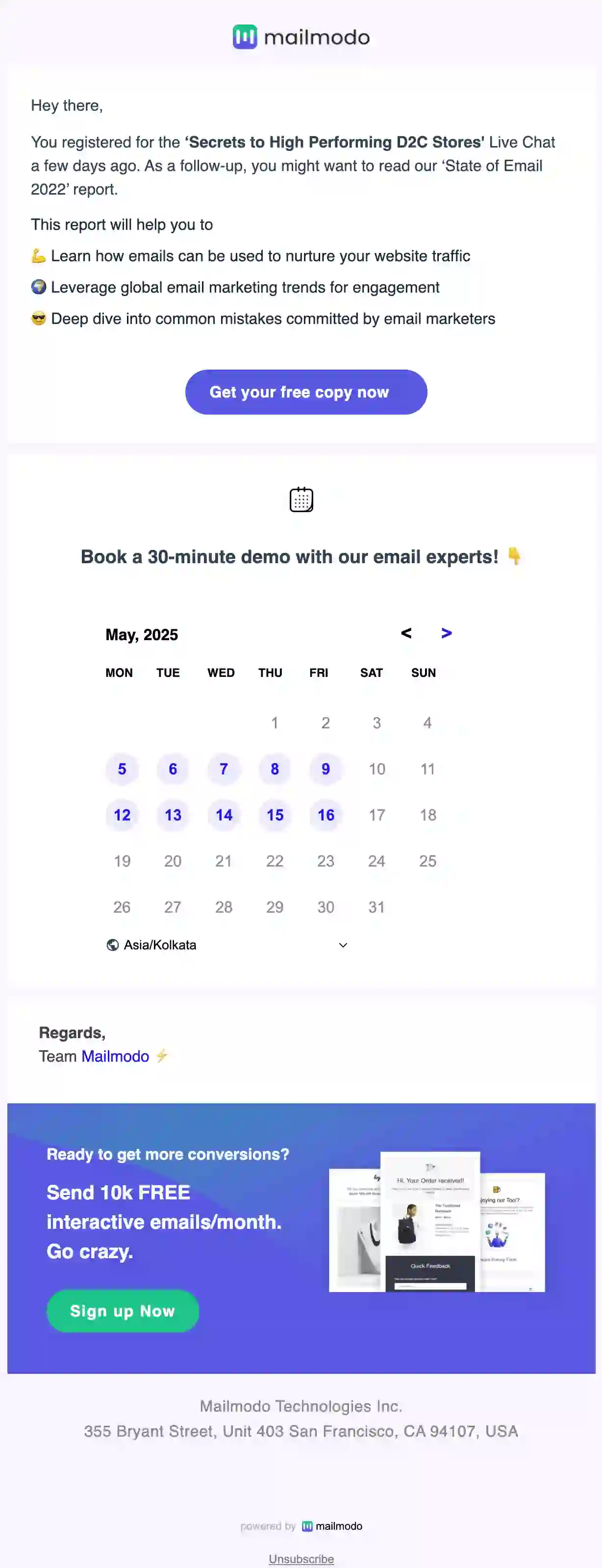
Free Onboarding Email Template

Free Onboarding Email Template

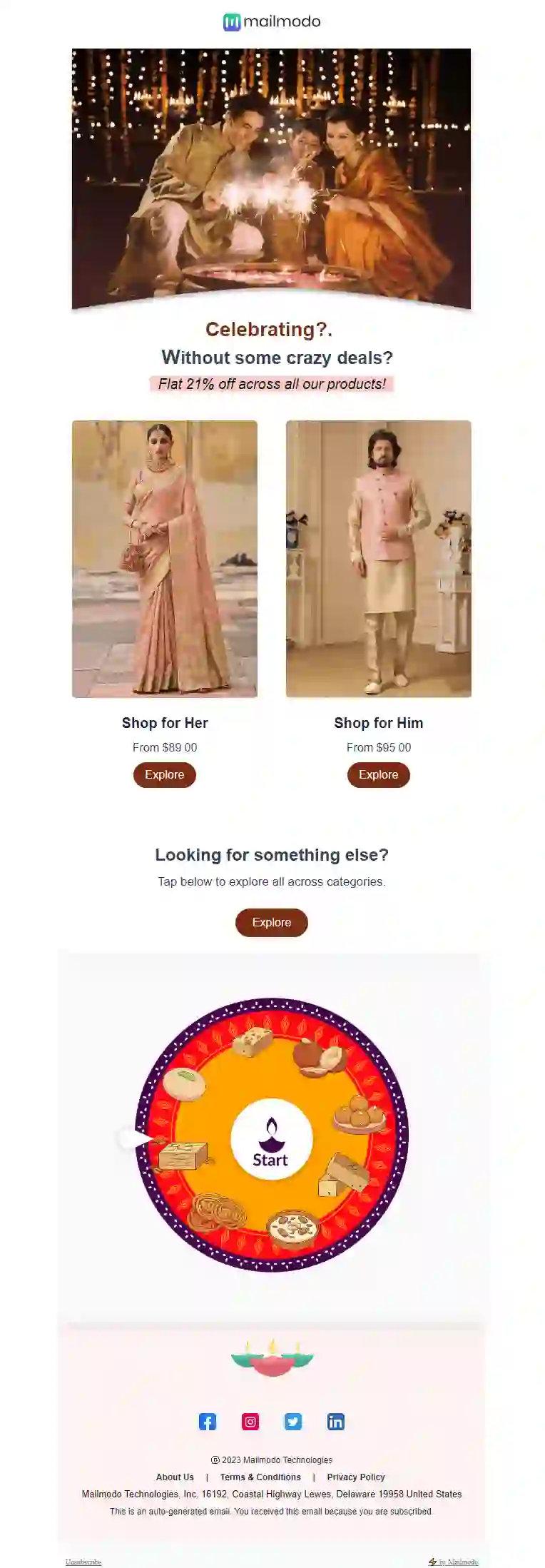
Free Diwali Email Template

Free Diwali Email Template

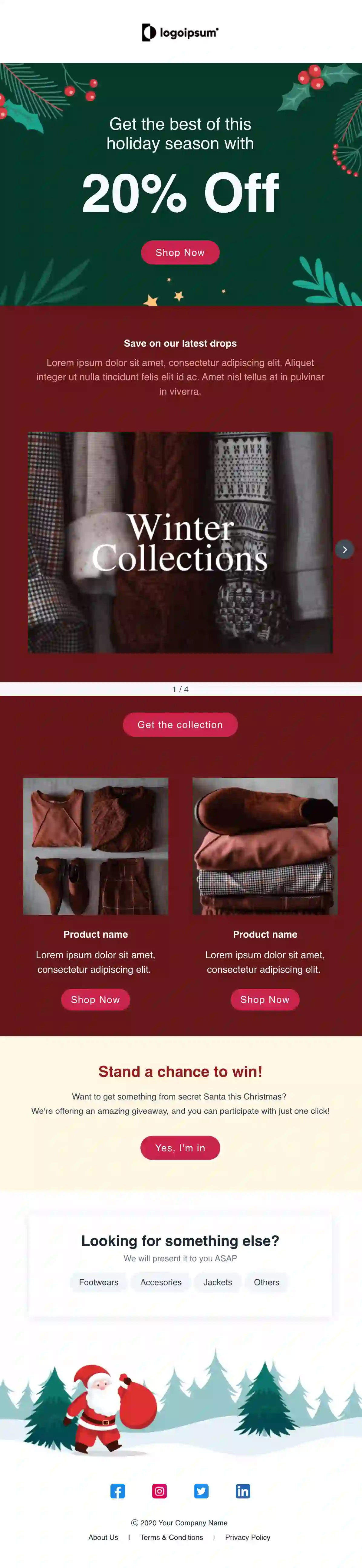
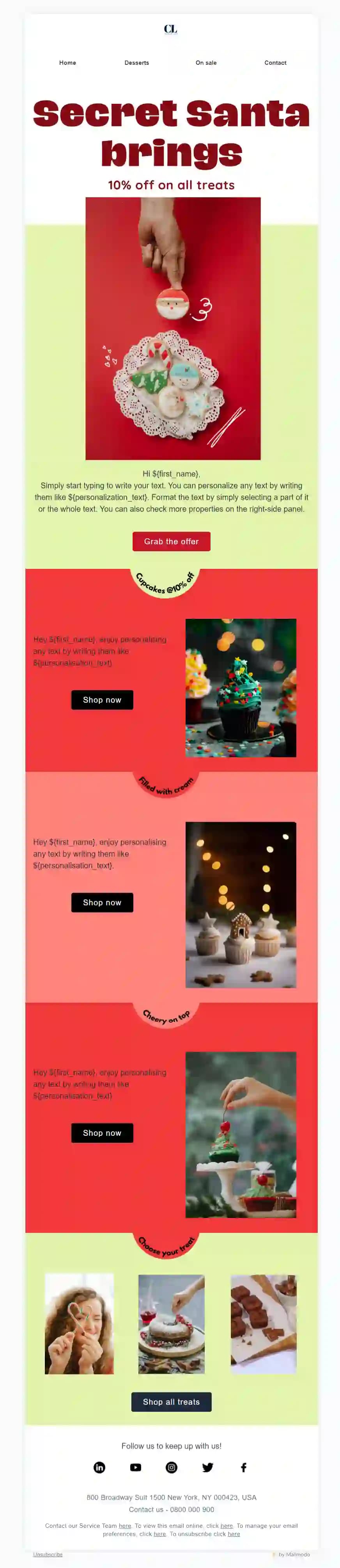
Free Promotional Christmas Mailer Email Template

Free Promotional Christmas Mailer Email Template

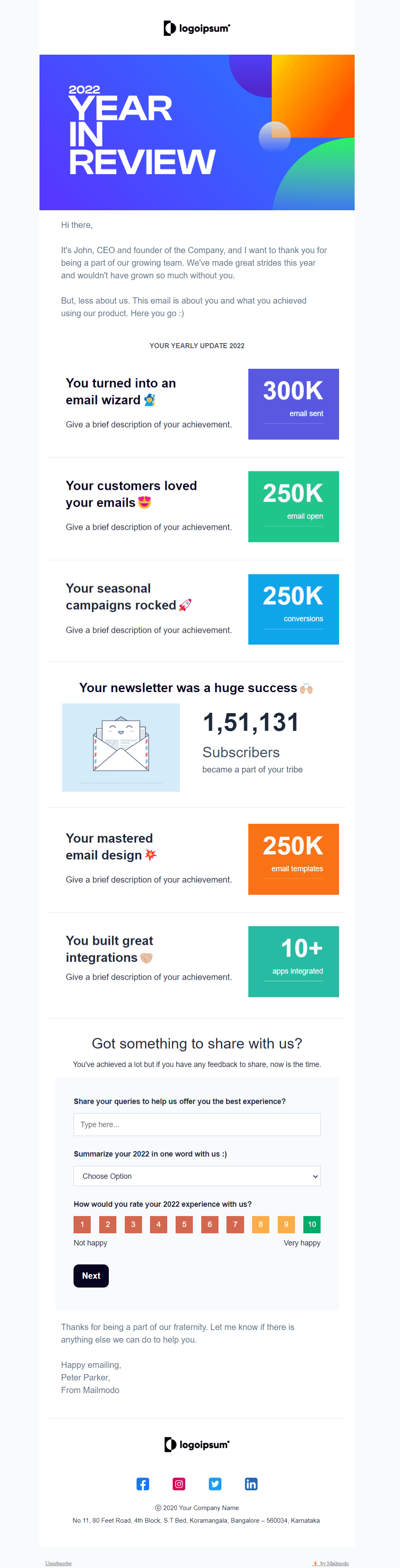
Free Year In-Review Email Template

Free Year In-Review Email Template

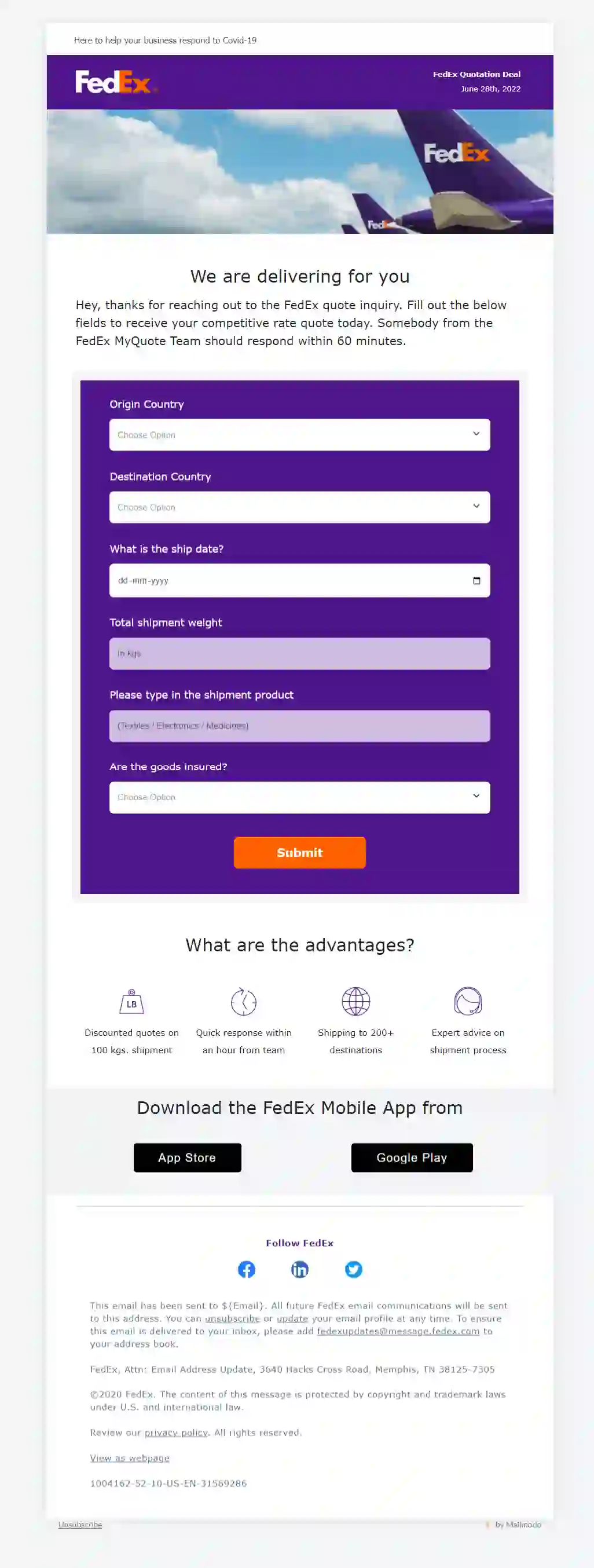
Free Quotation Email Template

Free Quotation Email Template

Free Post Event E-Book Email Template

Free Post Event E-Book Email Template

Free Single Column Christmas Email Template

Free Single Column Christmas Email Template

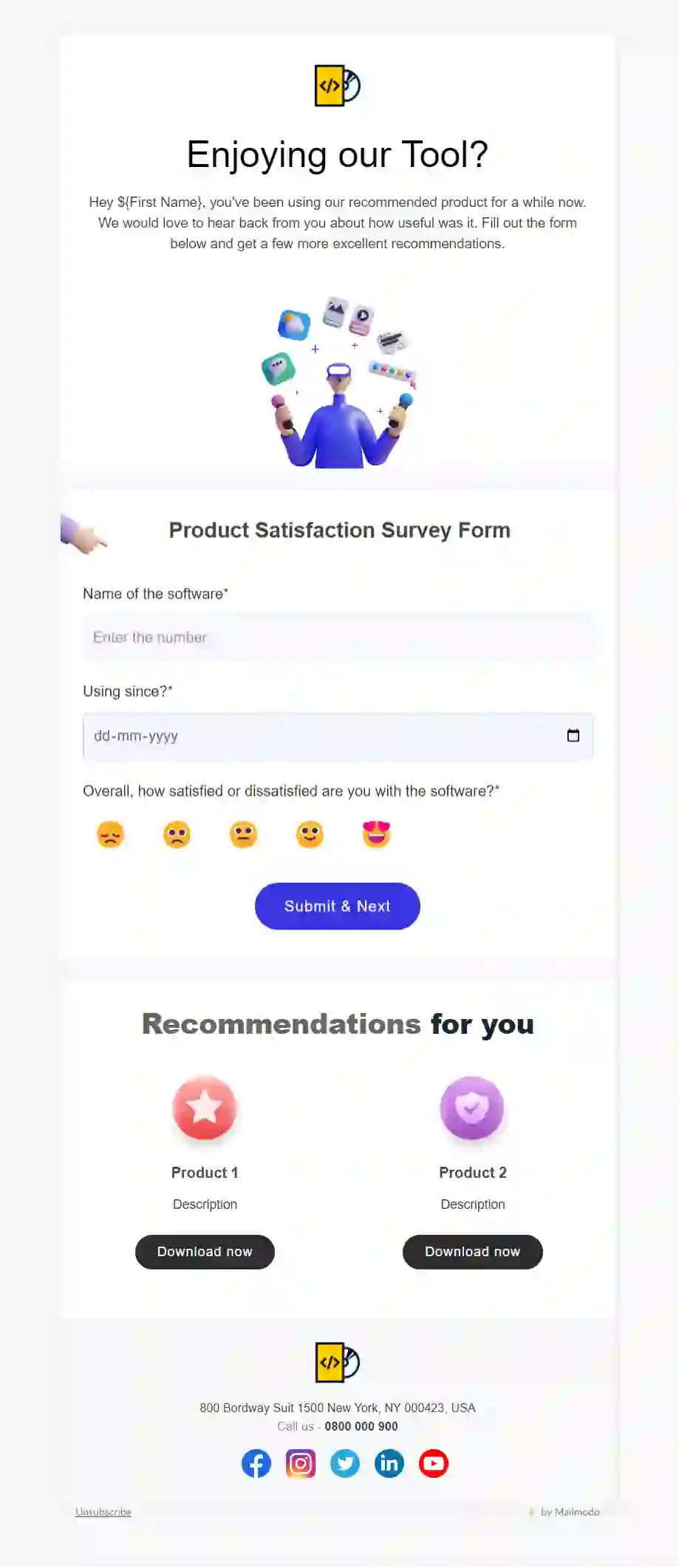
Free Product Satisfaction Survey Email Template

Free Product Satisfaction Survey Email Template

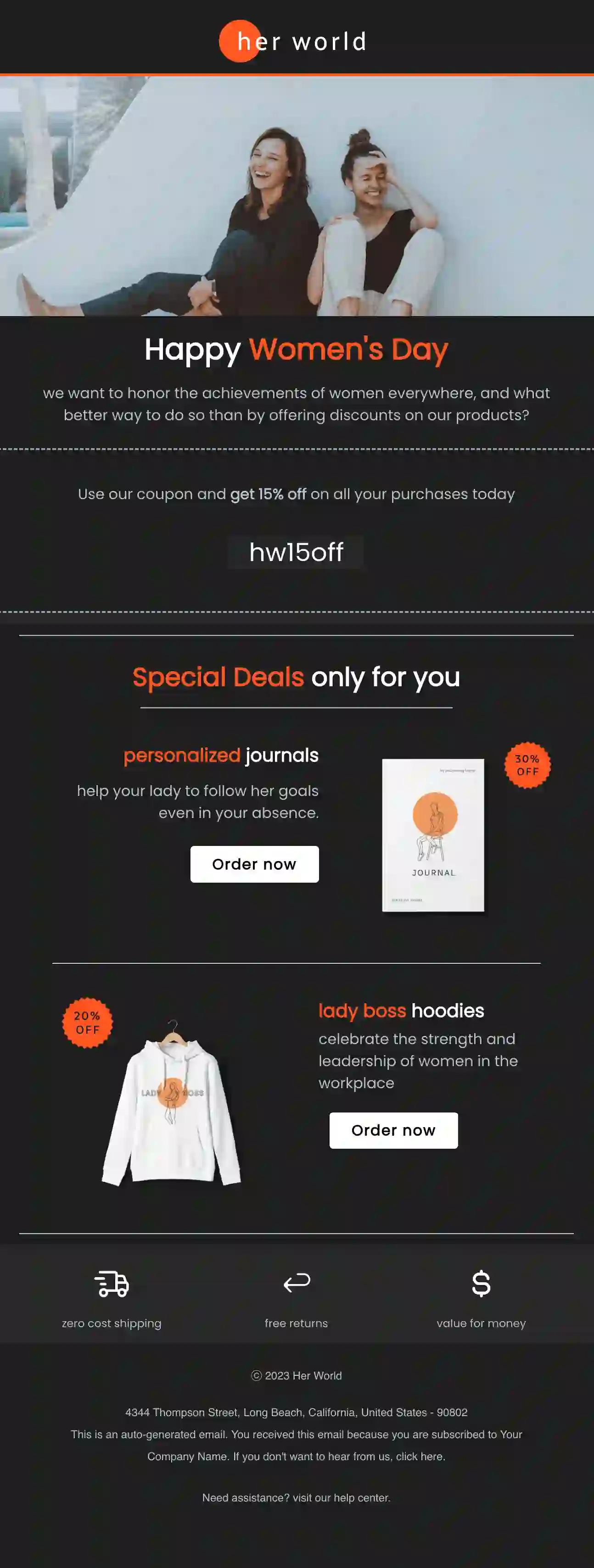
Free International Women's Day Email Template (Dark Theme)

Free International Women's Day Email Template (Dark Theme)

What is Email Template For Gmail?

Email templates for Gmail are pre-designed email templates that you can use to create professional-looking emails quickly and easily in Gmail. These templates are created using HTML and CSS code and can include text, images, buttons, and other elements.

Using email templates for Gmail can save time and effort in the email creation process. Instead of writing the same email message repeatedly, you can use a pre-built template and customize it to fit your specific needs. This is especially useful for business professionals who frequently send similar emails such as follow-up emails, introductory emails, or customer support emails.

How to use Email Templates For Gmail?

In order to use Email Templates For Gmail you need to choose an Email Template Provider that offers templates that fit your needs and style. Once you have chosen a provider, browse their selection of email templates and choose a template that you like. Most email template providers offer a wide variety of templates for different purposes, such as business, personal, and marketing. Once you have customized the template, save it to your computer or cloud storage service. You can also save the template directly to Gmail's "Canned Responses" feature, which allows you to save the email as a pre-written response for future use. Now to use the email template in Gmail, open a new email message and click on the "Canned Responses" option. Select the template you saved and it will automatically populate the email with the text and formatting you have saved.

Although Gmail Email Templates created in Mailmodo cannot be exported and used directly in Gmail, they can still provide users with valuable inspiration to create similar templates from scratch. However, creating email templates from scratch can be a daunting and time-consuming task.

To save your precious time, it is best to use the email templates available in Mailmodo to send your email marketing campaigns, rather than starting from scratch. You can even edit these templates in the email template builder and send them from Mailmodo to achieve higher deliverability and improved email marketing performance.

Each template follows email accessibility guidelines

  • Legible font size and type.
  • Color contrast follows the standard 4.5:1 ratio.
  • Enough white space and smaller paragraphs for better readability.
  • Distinguishable and clear call to action button.
  • ALT text for all the images.

Ensures proper inbox rendering

  • Responsive for every screen size.
  • AMP display for AMP supported email clients.
  • HTML display if email clients don't support AMP.
  • Email subject line and preheader text preview.

Offers different integrations

  • Integromat integration
  • Shopify integration
  • Zoom integration
  • Calendly integration

Checkout different integration offered by Mailmodo

How to customize this email template?

Follow these steps to customize these templates:

  • Click on the 'Use this Template' button.

  • You will be redirected to Mailmodo's template builder if you already have an account. If you don't have one, you can create one by clicking here.

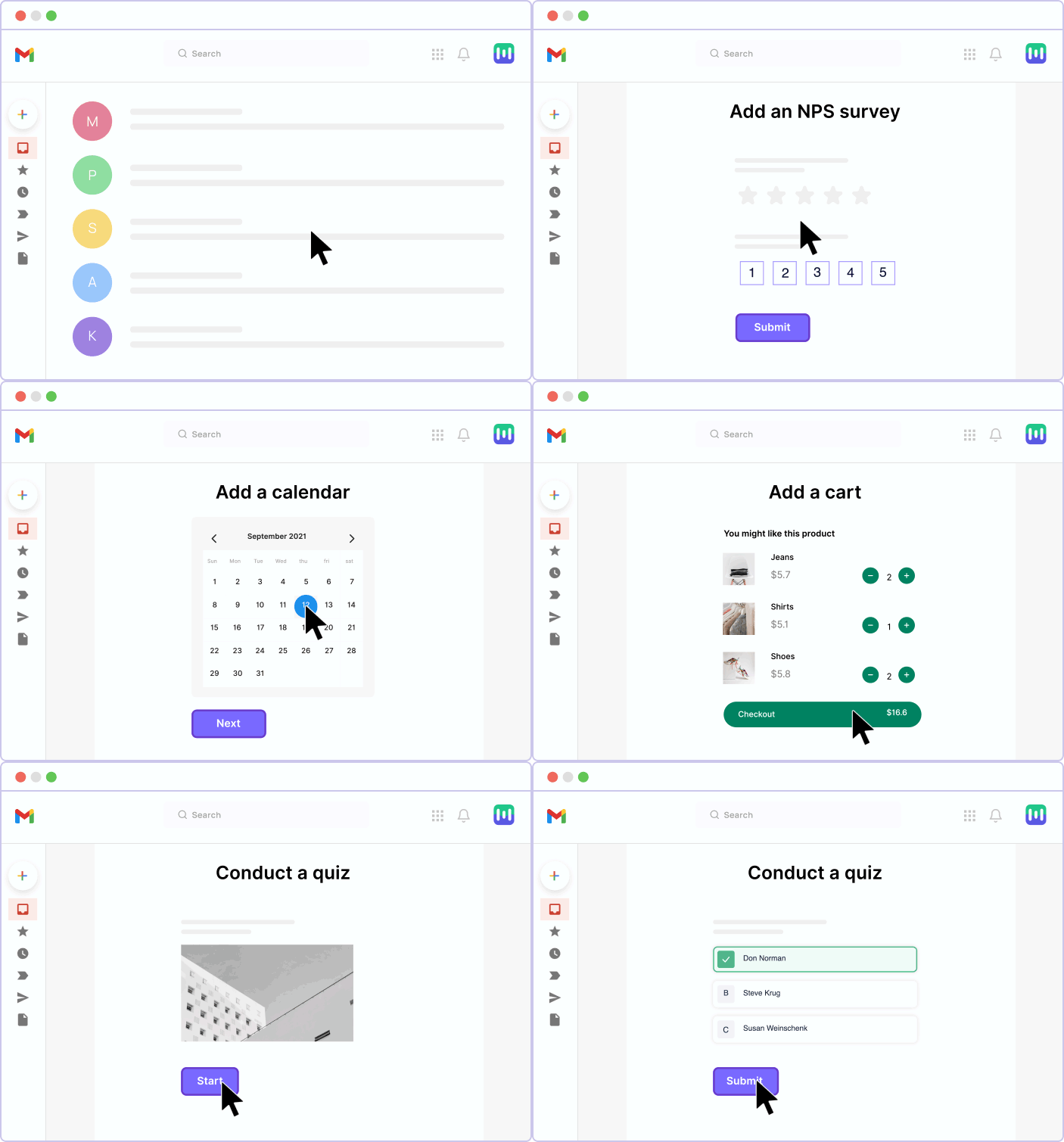
  • In the email template builder, you can try different email layouts, add or remove content blocks and blocks, and interactive widgets such as polls, spin the wheel, carousels, etc.

  • We would recommend selecting from our premade content blocks to save time and effort.

  • Once you're finished editing, preview the email template on both mobile and desktop. We also let you see how the email will look in AMP-supported email clients.

  • Then, save the email template so that you can use it for future campaigns.

Check out our help guide to know in detail
animation

Do you want better
email ROI?

Drive conversions with higher
opens and smart suggestions

Popular Categories

AI Marketing

chevron-arrow

AMP Email

chevron-arrow

Email Automation

chevron-arrow

Email Deliverability

chevron-arrow

Email Design

chevron-arrow

Email Marketing

chevron-arrow

Email Marketing Use Case

chevron-arrow

Go to Marketing

chevron-arrow

Shopify Email Marketing

chevron-arrow

maidmodo logo

Registered Address (US)

Mailmodo Technologies Inc
1160 Battery St.
East Building, Suite 100
San Francisco, CA 94111

Registered Address (India)

Mailmodo Technologies Pvt Ltd
Hanto Rebel Building, 3rd Floor
2751/492, 2nd Sector
HSR Layout Bangalore
Karnataka, India - 560102
enquiries@mailmodo.com
Linkedin logo
Facebook logo
Instagram logo
Youtube logo

Home

  • Pricing
  • Help
  • Features
  • About Us
  • Marketing Partner
  • Affiliate Program
  • GDPR Compliance
  • Book a Demo
  • Contact Us
  • Security
  • Solutions

Product

  • Email Marketing
  • Customer Engagement
  • AMP Emails
  • Surveys
  • Shopify Email Marketing
  • Email Deliverability
  • Email Template Builder
  • Send Transactional Email
  • Bulk Email Service
  • Email Automation
  • Newsletter Software
  • Template Suggestion

Resources

  • AMP Email Guide
  • Email Marketing 101
  • Email Templates
  • Email Flows
  • Email Subject Lines
  • Email Checklist
  • Email Stash
  • Email Marketing Course
  • AI Subject Line Generator
  • Use cases
  • Case Studies
  • Guides
  • Ebooks
  • Podcasts
  • Videos
  • Newsletters
  • Marketing Tools
  • Marketing Forms
  • Marketing Experts Network
  • Interactive Calculators
  • AI Prompt Library
  • Interactive Email Library

How We Compare

  • Mailchimp vs Mailmodo
  • ActiveCampaign vs Mailmodo
  • Constant Contact vs Mailmodo
  • Klaviyo vs Mailmodo
  • Mailerlite vs Mailmodo
  • Brevo vs Mailmodo
  • Omnisend vs Mailmodo
  • Zoho Campaigns vs Mailmodo
  • Moosend vs Mailmodo
  • SendPulse vs Mailmodo
  • Drip vs Mailmodo
  • GetResponse vs Mailmodo
  • AWeber vs Mailmodo
  • Campaign Monitor vs Mailmodo
  • Mailgun vs Mailmodo
  • ConvertKit vs Mailmodo

© 2025 mailmodo

  • Terms of Service
  • Privacy Policy
  • Cookie Policy