What is an email newsletter?
An email newsletter is a scheduled email sent to a list of subscribers who have opted to receive them from you. The frequency of these emails can be monthly, bi-weekly, weekly or even daily and their primary purpose is to engage recipients by delivering valuable content, such as news, updates, tips, and promotions, that aligns with their interests.
If you want to get a more detailed understanding of email newsletters or want to know how you can start a newsletter from scratch, you can check out our guide below.
💡 Related guide: What Are Email Newsletters and How to Get Started
How to create a newsletter
This guide is directed toward those who already have a newsletter and would like to streamline the creation of a newsletter edition. That implies that you already have an email list and are already using an email service provider to create and send newsletters. That said, let's move on to the actual steps.
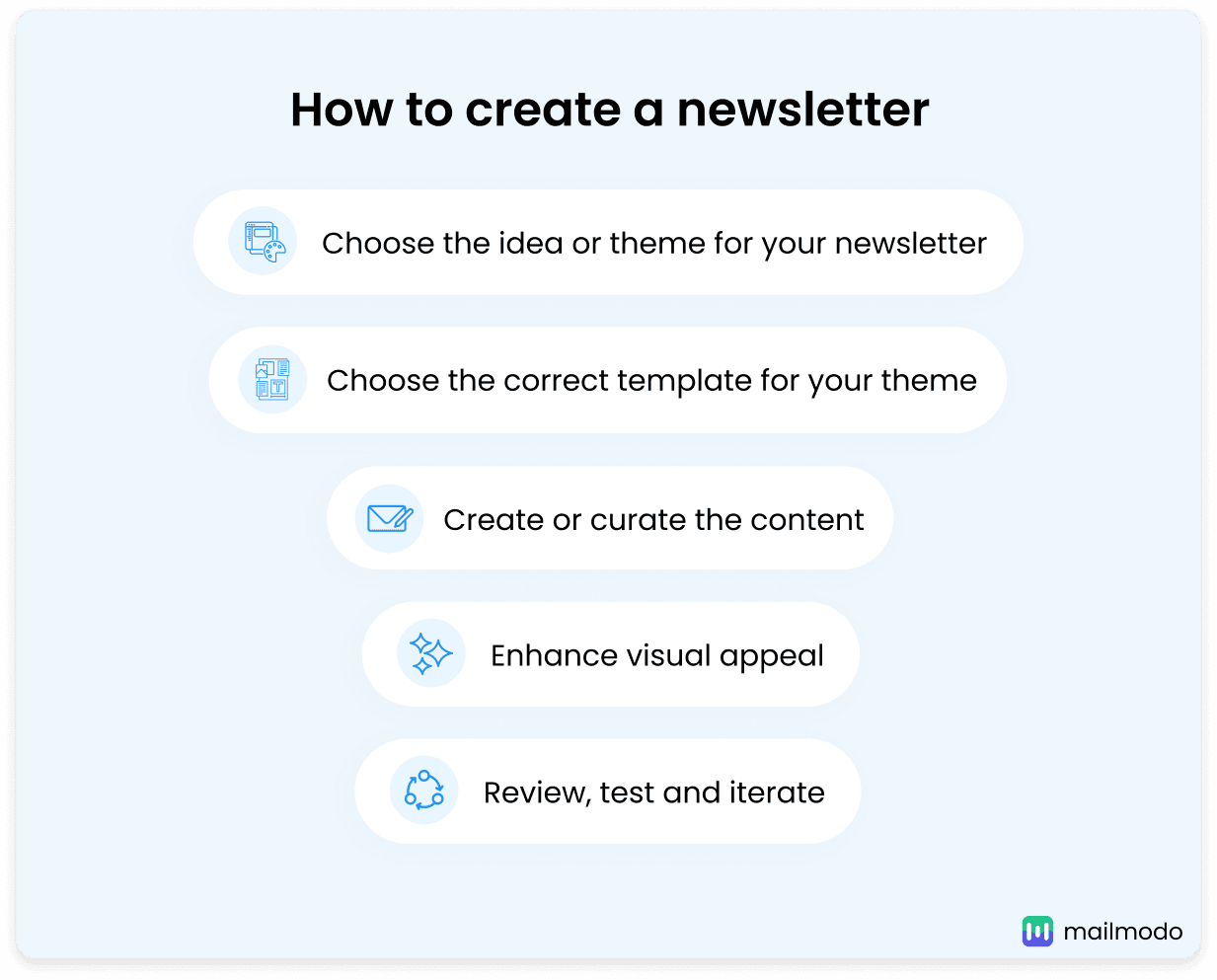
1. Choose the idea or theme for your newsletter
Every newsletter needs a core idea or theme that ties its content together. The theme could revolve around a trending topic, an educational piece, or updates about your brand or industry. A clear theme not only captures your audience’s attention but also provides direction for creating cohesive content.
For example, a tech company might focus on "The Future of AI," while a lifestyle brand might explore "Top Wellness Trends for 2025."
2. Choose the correct template for your theme
Your newsletter design should reflect its theme and purpose. Define your color scheme, layout, and overall visual style based on the type of content and images you plan to include. Having this clarity early helps you pick the right template.
For instance, if your newsletter features a lot of visuals, choose a layout that emphasizes images. On the other hand, go for a clean and minimalistic design that prioritizes readability for text-heavy content.
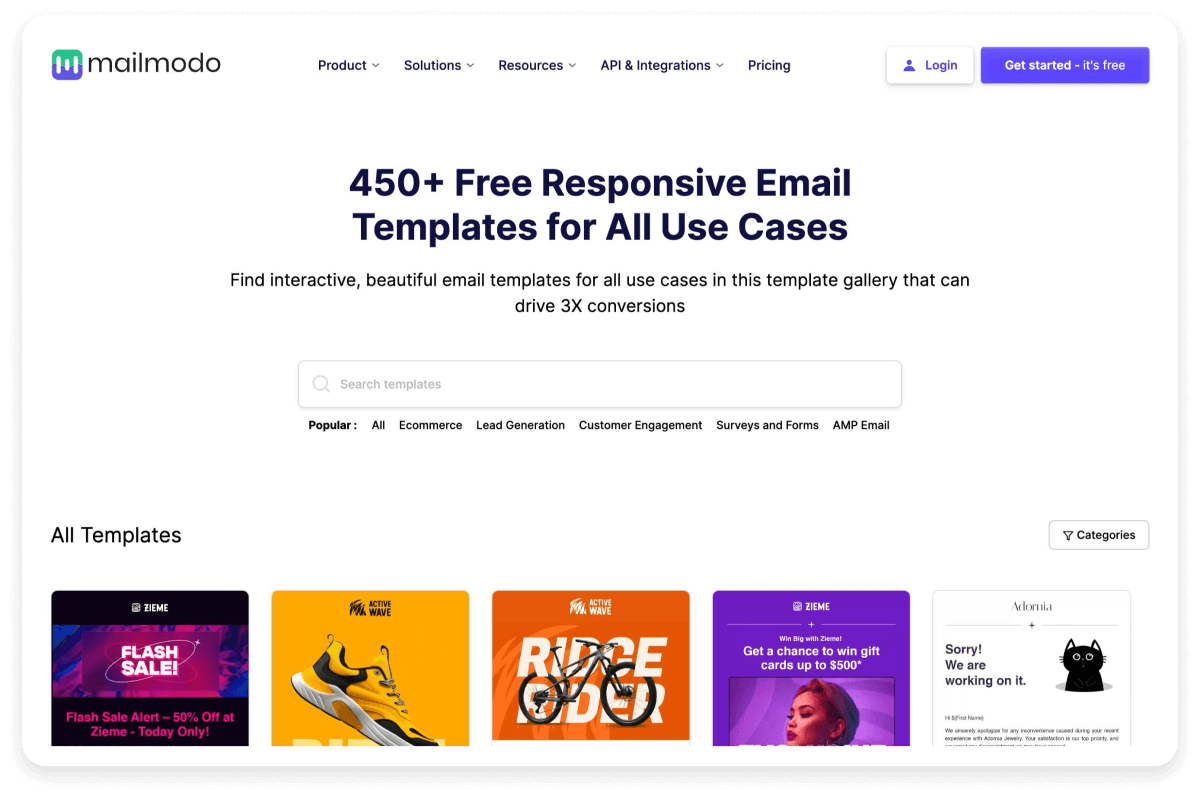
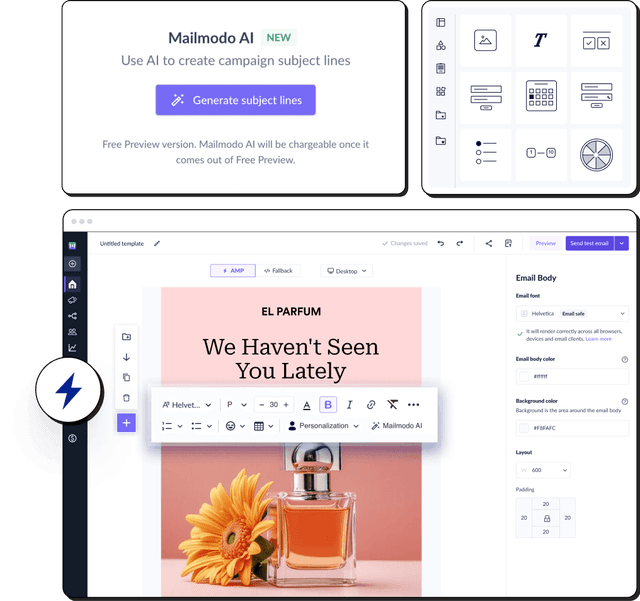
If you're using an ESP for this, you usually have 2 options. You can either create a new layout from scratch or pick a pre-built template if the ESP has a template library like Mailmodo's.
3. Curate or create content
The content you choose is the heart and soul of your newsletter. It's what will ultimately engage your audience and keep them coming back for more. So, you must incorporate diverse content types, such as text, videos, and infographics, to keep readers interested.
Based on your chosen theme, curate relevant content like articles, statistics, or stories that align with your audience’s interests. If you're creating original content, you can focus on content like educational insights, actionable tips, or engaging narratives. For example, a travel newsletter might include destination guides, packing tips, and links to exclusive deals.
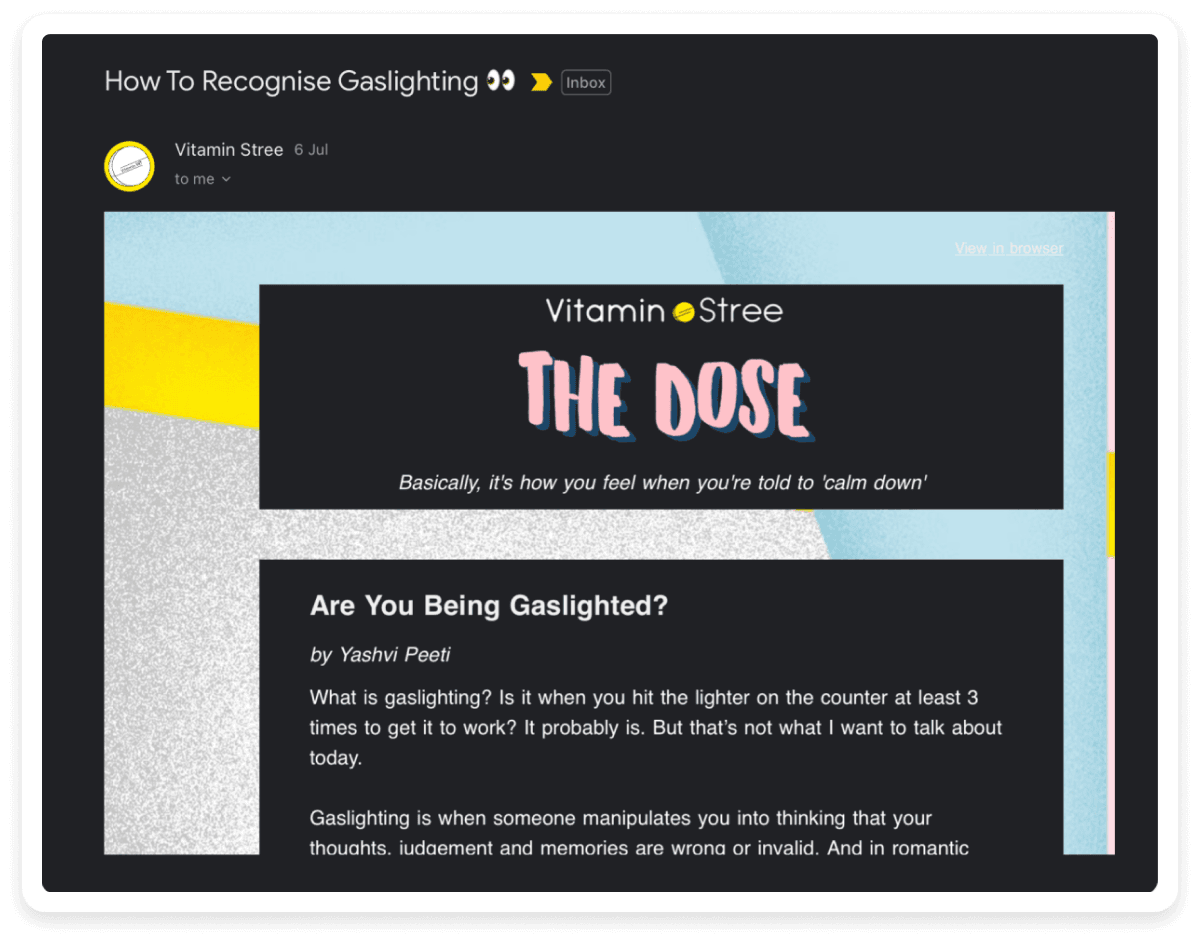
Here is a newsletter by Vitamin Stree as an example. They are primarily a brand that aims to change the narrative on gender and identity. They chose to talk about gaslighting because it is a very interesting topic that their audience might relate to and want to read.
4. Enhance visual appeal
Once done with the content, you need to make your newsletter look catchy. For this,
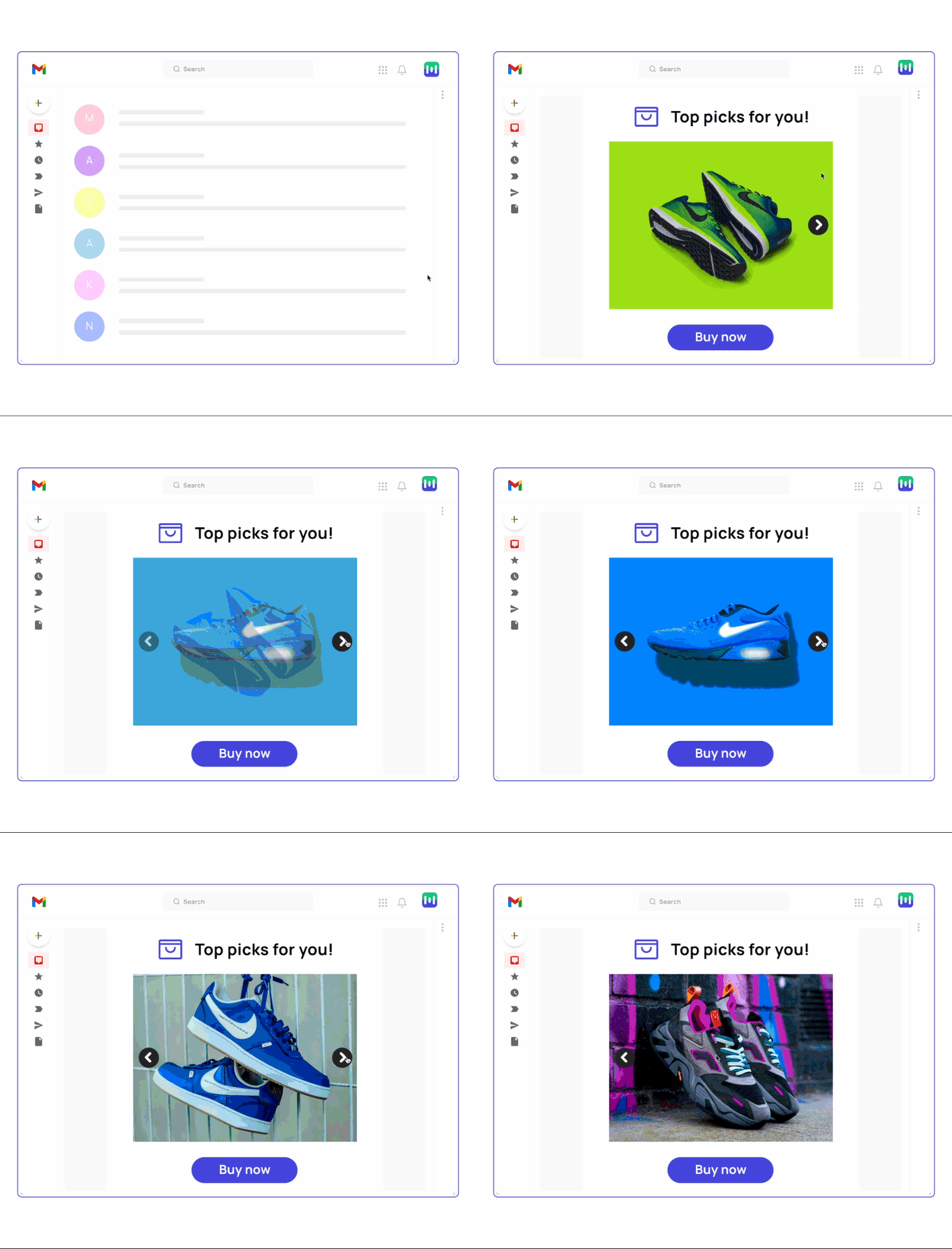
you can use graphic elements like images, logos, GIFs, emojis, and even interactive widgets like polls, buttons, games, or forms in the newsletter.
These additions will not only make your design more engaging but also increase readability and visual appeal. Take a look at this interactive image carousel as an example.
💡 Expert Tip: When you add images, GIFs, or interactive widgets, include alt text to ensure your newsletters are accessible to all readers.
5. Review, iterate and send
Before sending out your newsletter to your entire subscriber list, take the time to review every aspect thoroughly. Check for grammar errors, ensure colors and layout are consistent on different devices, operating systems, browsers and email clients.
You can also send the newsletter to your colleagues, supervisors and friends to seek feedback and catch any overlooked issues. This allows you to experience the newsletter from the recipient's perspective and identify any potential issues with functionality or display.
Additionally, before mass distribution, if you’re confused between two versions of your newsletter, you can do A/B testing to identify which one works better and send it to your entire list.
Once you’ve sent the newsletter, you must also track if your newsletter was able to achieve the goals you expected it to. You can do this by tracking important metrics like open rate, click rate, etc., in your email provider's analytics dashboard.
💡 Expert Tip: Subscribe to newsletters from your competitors and industry leaders. Analyze the content, design, and overall approach of various email newsletter examples to draw inspiration for your own strategy.
Best practices for creating newsletters
Creating an email newsletter requires both creativity and technical knowledge. So, here we're covering some best practices that you should keep in mind when creating your newsletter.
Deliver value-driven content: Ensure that every newsletter provides content that is useful and relevant to your readers. This helps build trust and encourages ongoing engagement.
Optimize for mobile-friendly design: Ensure that your newsletters are responsive and look great on all screen sizes, specially on mobiles, since most people read emails on mobile devices.
Maintain consistent branding: Keep your newsletter design in line with your overall brand identity. This includes using your brand's logo, colors, fonts, and tone of voice for a seamless experience.
Personalize your newsletter: Personalize your newsletter with the recipient's name or other attributes to make the email feel more tailored and engaging.
Write an irresistible subject line: Craft a subject line that grabs attention and compels recipients to open your email. Use action words, personalization, or a sense of urgency to make it stand out.
Balance text and visuals: Ensure a good mix of text and visuals in your design. Graphics should complement the content, not overshadow it. Aim for a clean and easy-to-navigate layout.
For more best practices, you can check out our complete guide below.
💡 Related guide: 10 Email Newsletter Best Practices to Follow In 2025